61
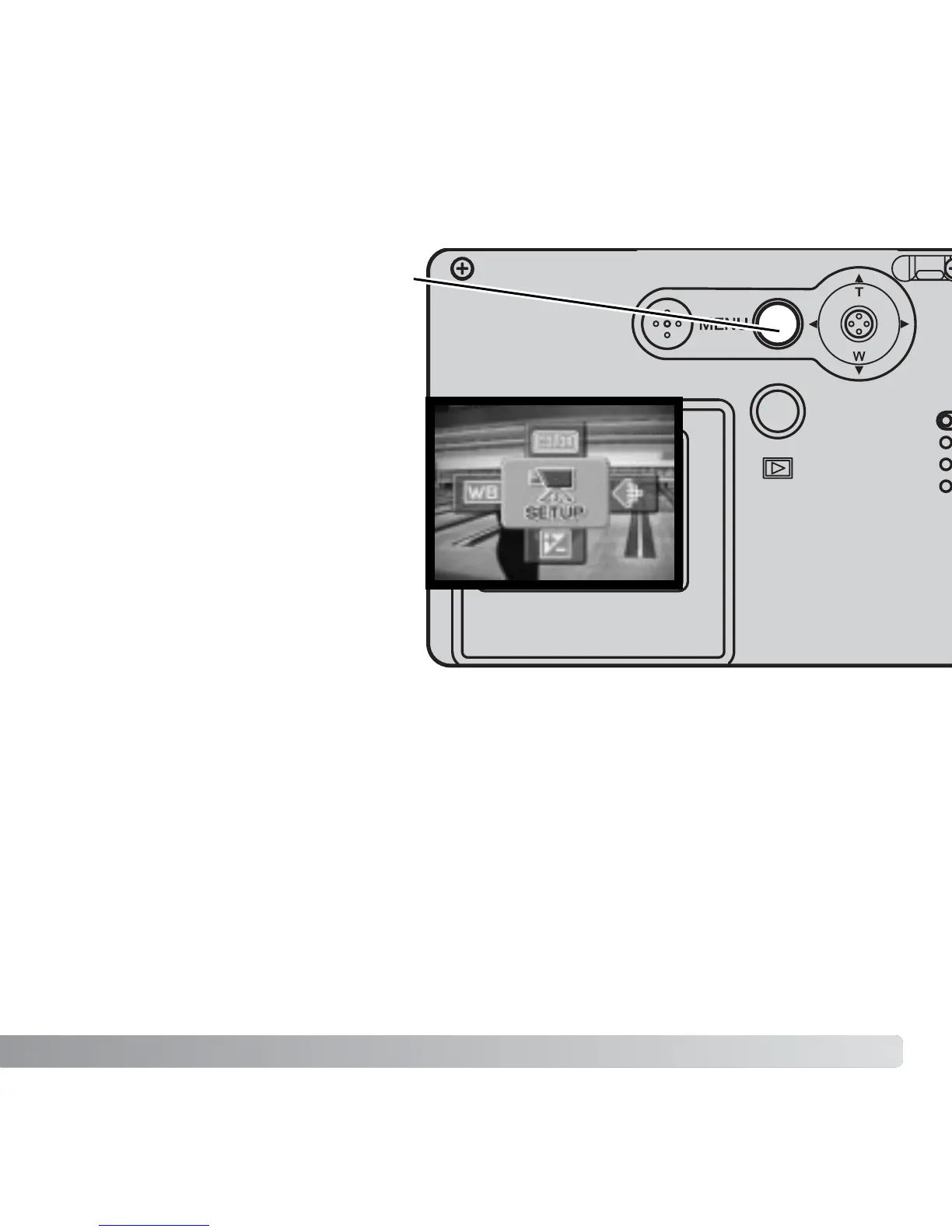
When the menu button is pressed,
the main movie menu appears on
the LCD monitor. The following four
options are available.
1.Image size (320X240 / 160X120)
2.Exposure compensation
3.White balance
4.Color mode
Selecting the setup icon located in
the center of the main menu opens
the setup menu.
NAVIGATING THE MAIN MOVIE RECORDING MENU
Image size has two settings, 320X240 and 160X120. Image size not only affects the
resolution of the movie image, but also changes the maximum length of the movie clip.
Recording time is only limited by the capacity of the memory card. A 16 MB memory card
can contain approximately 47 seconds of digital video recorded at 320 X 240 or 189
seconds at 160 X 120.
For more on white balance (p. 44), color mode (p. 48), and exposure compensation (p.
47), see the respective recording-mode sections. Except for image size, any changes
made will also affect the recording mode.
1
2
3
4
(Continued on the next page.)



 To Next Page
 Loading...











