Off
Frame
Frame
Border
Side by side
1
2
51
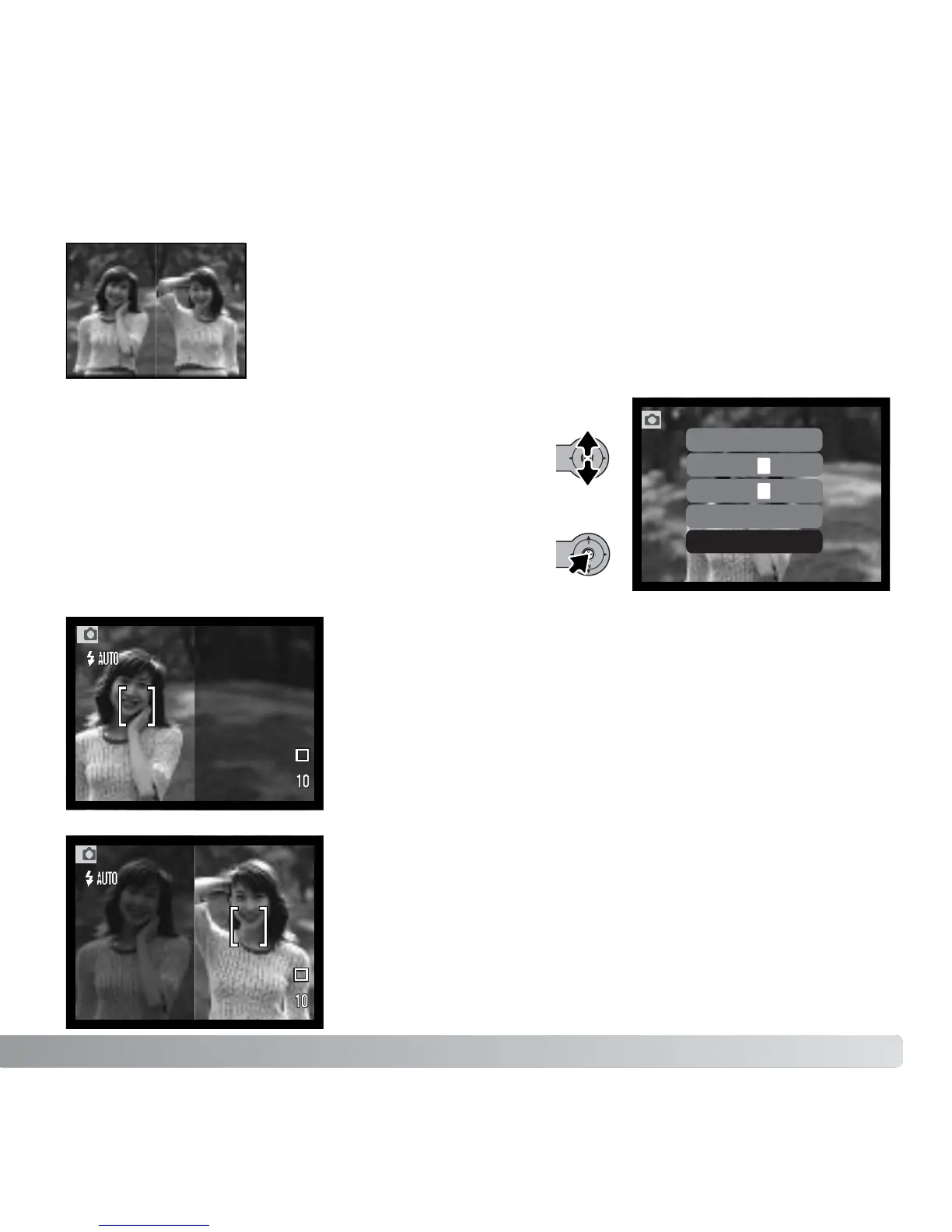
Compose the picture within the left half of the live image.
Place the subject within the focus frame, then take the
picture as described in the basic recording section (p. 25).
The first image is displayed on the left and a live image on
the right. Place the subject within the focus frame, then
take the picture as described in the basic recording section
to complete the operation.
Processing starts after the shutter releases. When
completed, the live image is displayed.
Creating side-by-side images
Two images can be captured side by side using the special-effects
option in the main recording menu (p. 36).
After the special-effects icon is selected, a menu is
displayed with the special effects options. Move the
controller up and down to select the side-by-side
option (1). Press the controller to select the
highlighted option (2).
Side by side
Record left
image.
Side by side
Record right
image.
1
2



 To Next Page
 Loading...











