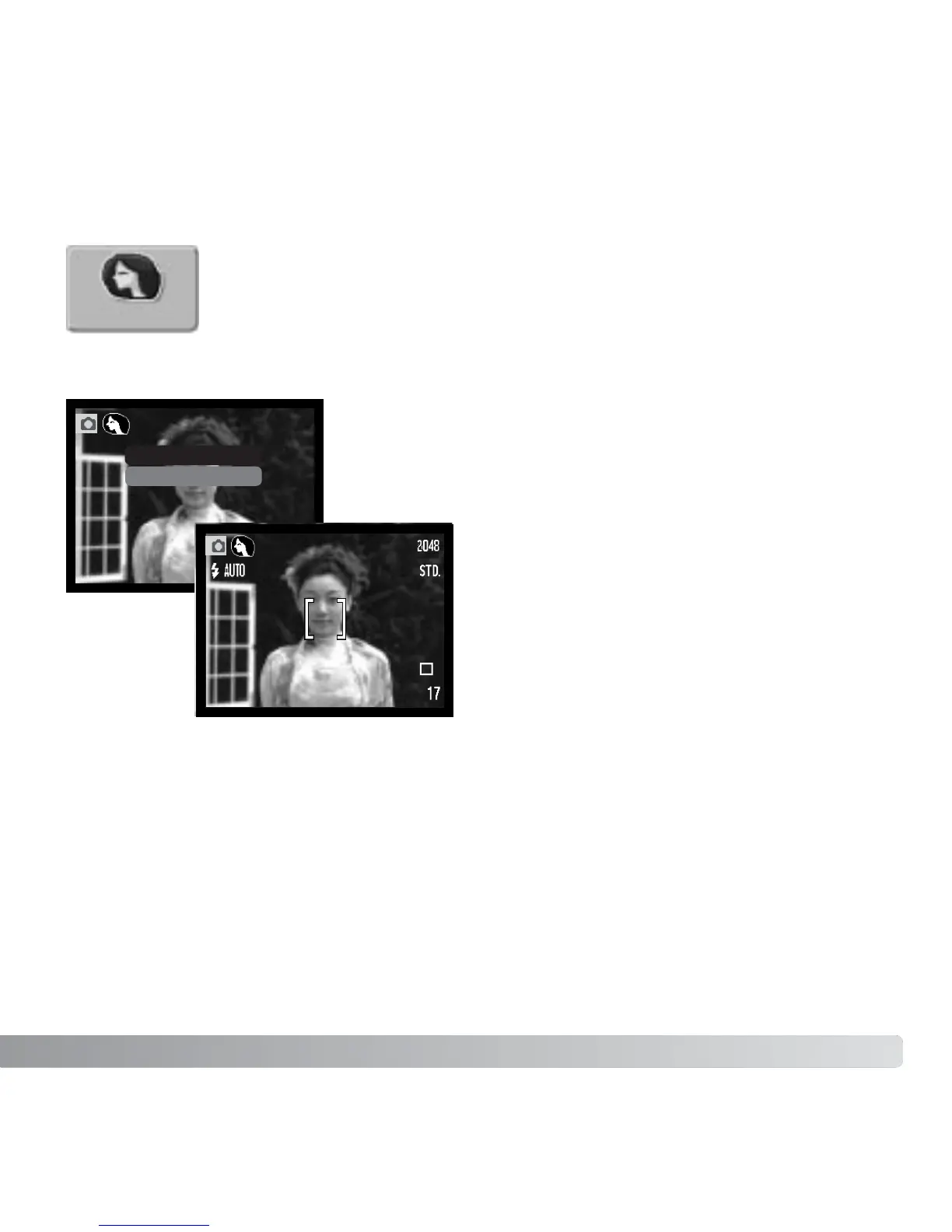
In portrait, the camera is optimized to reproduce warm, soft skin tones
and a slight defocusing of the background. Portrait is set in the main
recording menu (p. 36)
An indicator is displayed on the LCD
monitor to show the portrait mode is
active.
When auto reset is active (p. 55), the
portrait mode is canceled when the
camera is turned off.
PORTRAIT
49
On
Off
Portrait



 To Next Page
 Loading...











