Kramer Electronics Ltd.
VIA Connect² – For User: Connecting via VIA Connect²
4. Click Next.
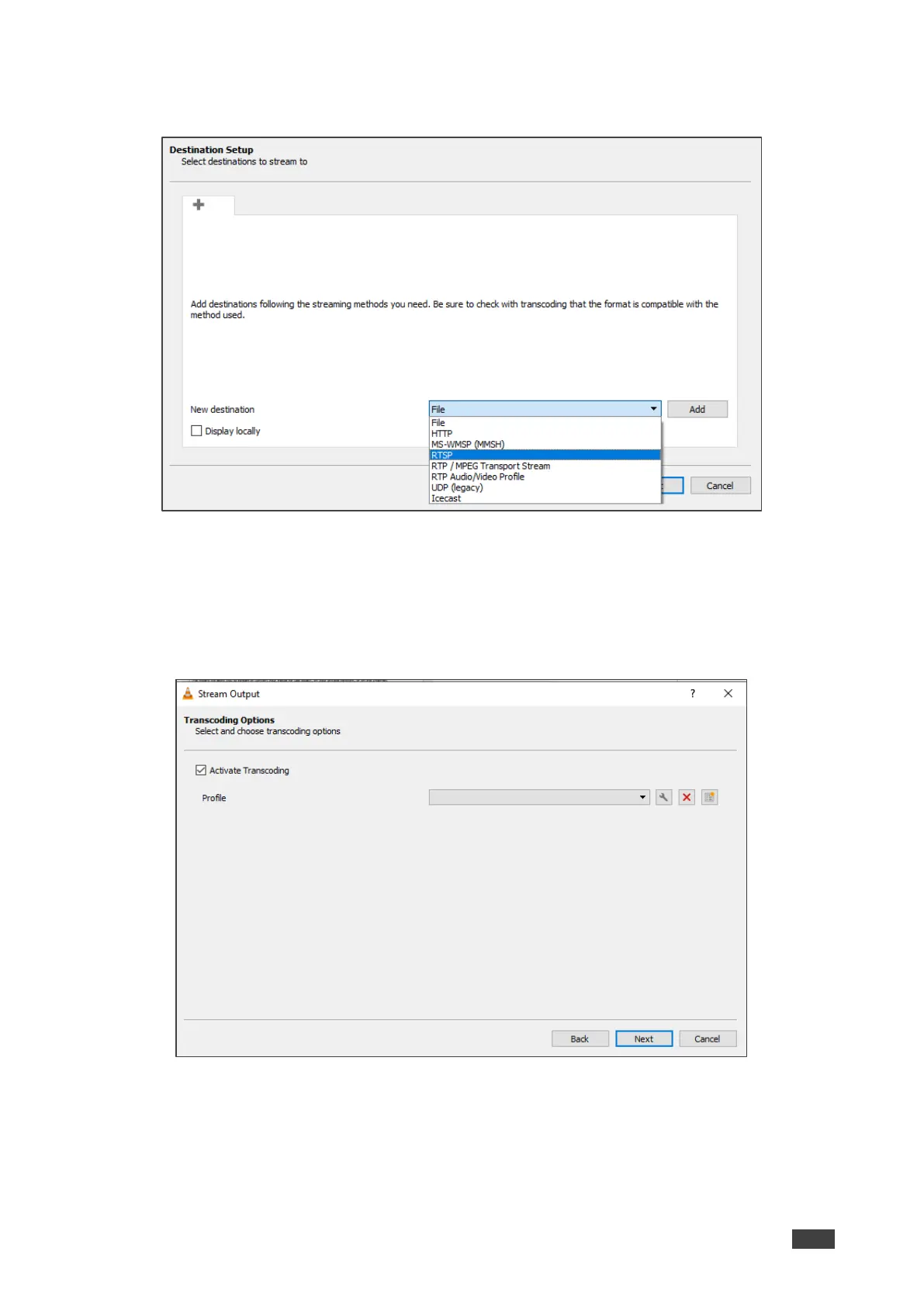
The Stream Output/Destination Setup window appears.
Figure 124: Destination Setup Window
5. Select RTSP from the New Destination drop down and click Add.
The RTSP tab appears.
6. Type a short name to be used as a Path and click Next.
The Stream Output/Transcoding Options window appears.
Figure 125: Transcoding Options Window



 To Next Page