Kramer Electronics Ltd.
VIA Connect² – For Web Administrator: Gateway Dashboard
Settings – Logging into the Settings tab
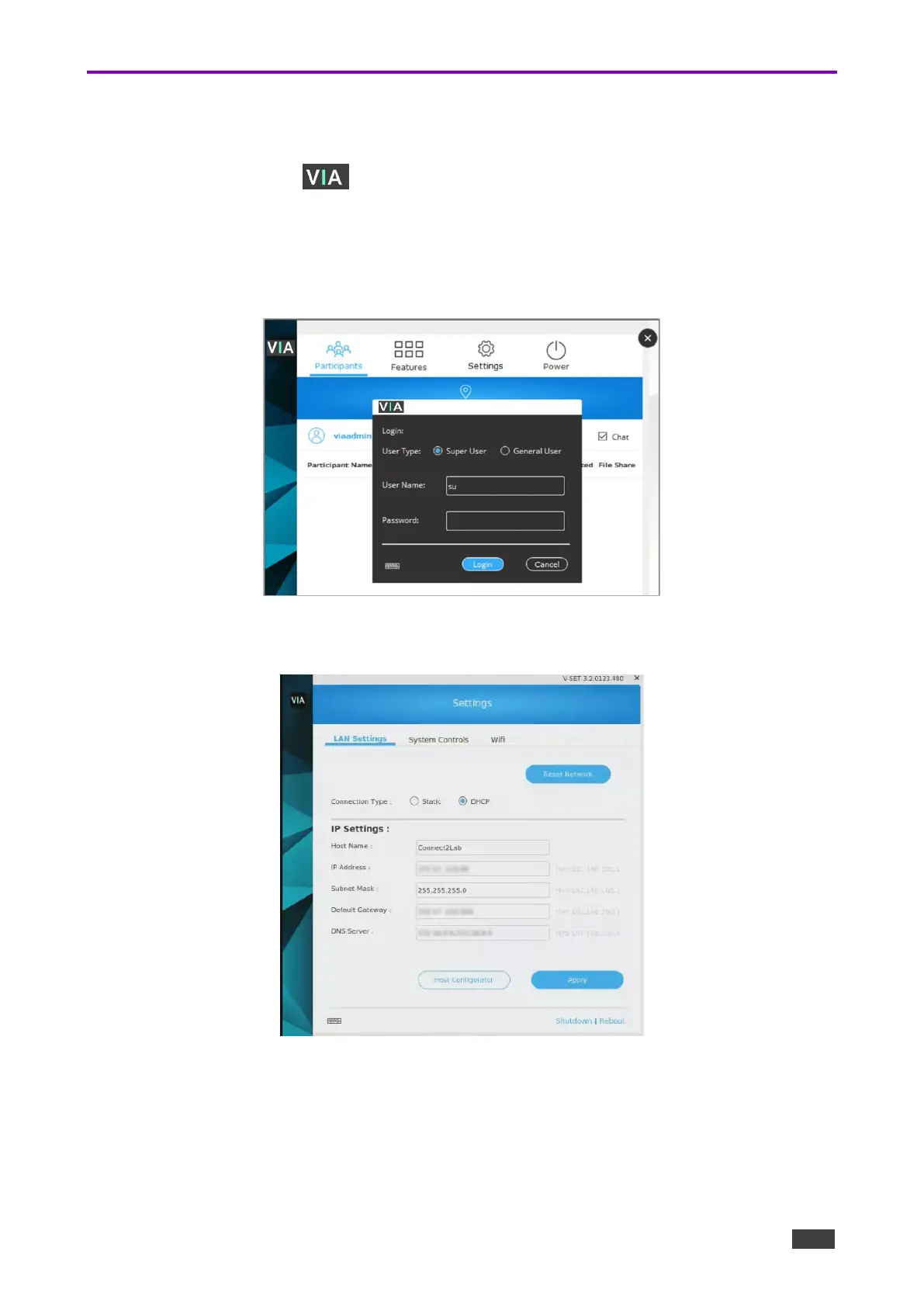
To log in to the Gateway Dashboard Settings:
1. Click the VIA icon in the lower left of the main display or use CTRL-Tab to view an
open screen. The Gateway Dashboard appears.
2. Click Settings. The login window appears.
3. Type an administrator username and password (default user name = su, default
password = supass).
Figure 97: Gateway Dashboard Settings Login Page
The Settings page opens on the LAN Settings tab.
Figure 98: Gateway Dashboard Settings Login Page



 To Next Page