Kramer Electronics Ltd.
VIA Connect² – For User: Advanced Features
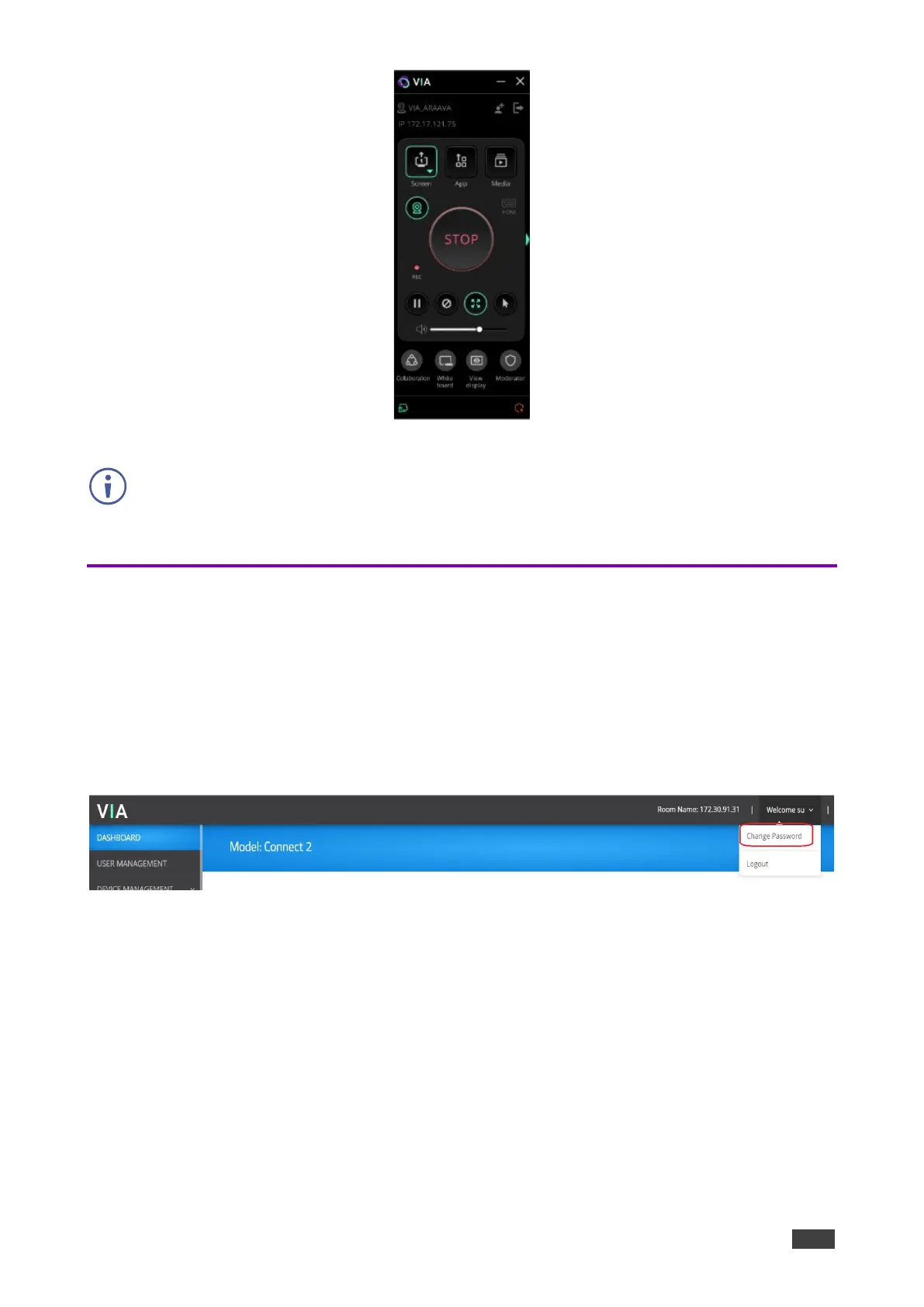
Figure 142: Toggle switch when more than 1 camera is connected
Recording icon will only appear if both the steps are followed:
1. Enable Recording in the settings template on the web.
2. Log in VIA client, navigate to the participant list, and access the recording option.
Changing VIA Password
The ‘su’ password can be changed without using root access.
For changing the password:
1. Go to Gateway Dashboard Page.
2. Right click on welcome su button.
3. Select the option change password.
Figure 143: Change Password



 To Next Page