Kramer Electronics Ltd.
VIA Connect² – For User: Advanced Features
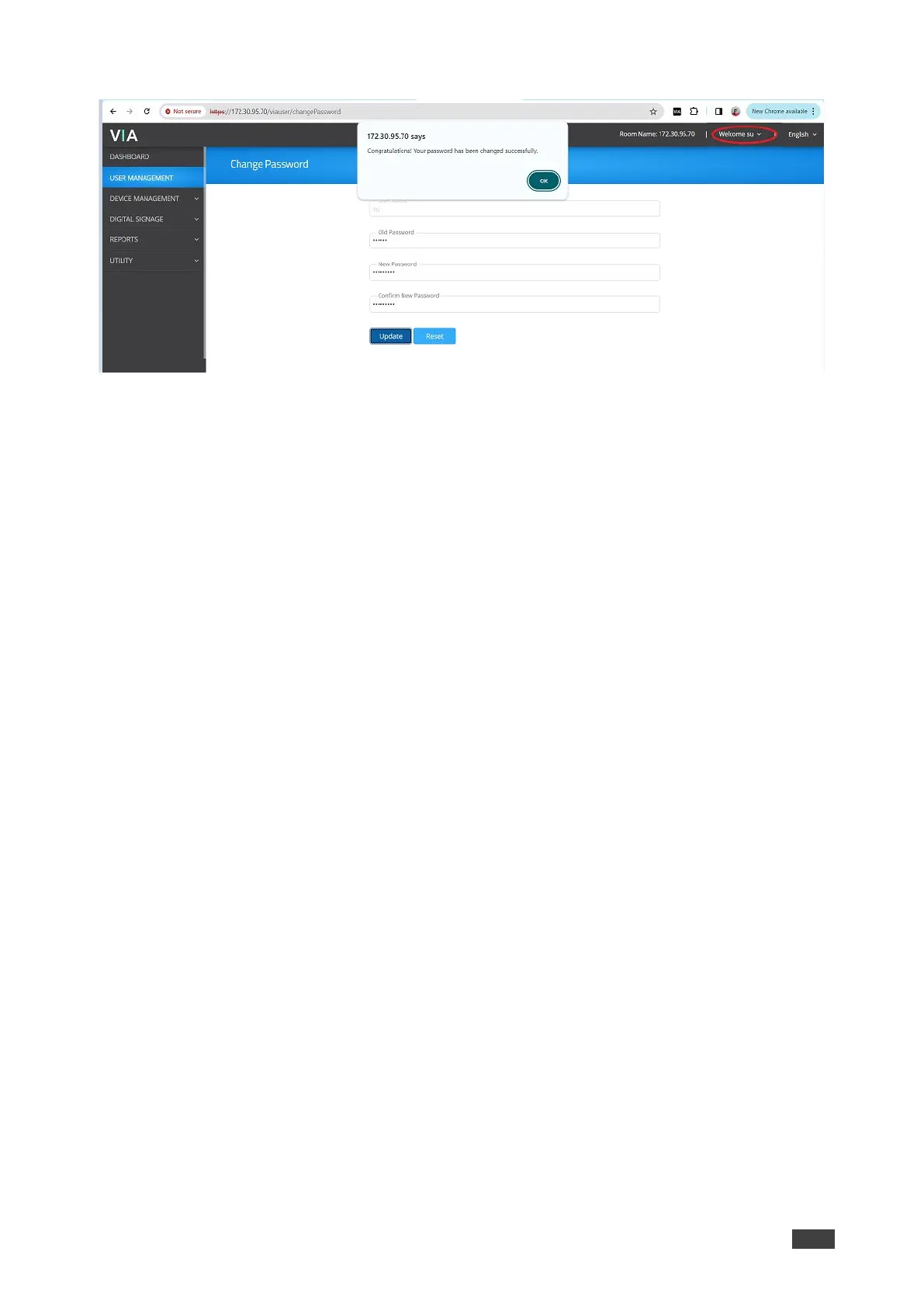
4. The “change password” will redirect to User Management page.
Figure 144: Redirected to User Management Page
5. Change your password (if minimum character length is enabled under Password
Policies, it will show the notification of minimum length of password).
6. Reboot the VIA, and login through new password.



 To Next Page