Set freeze video on output
Get freeze on output status
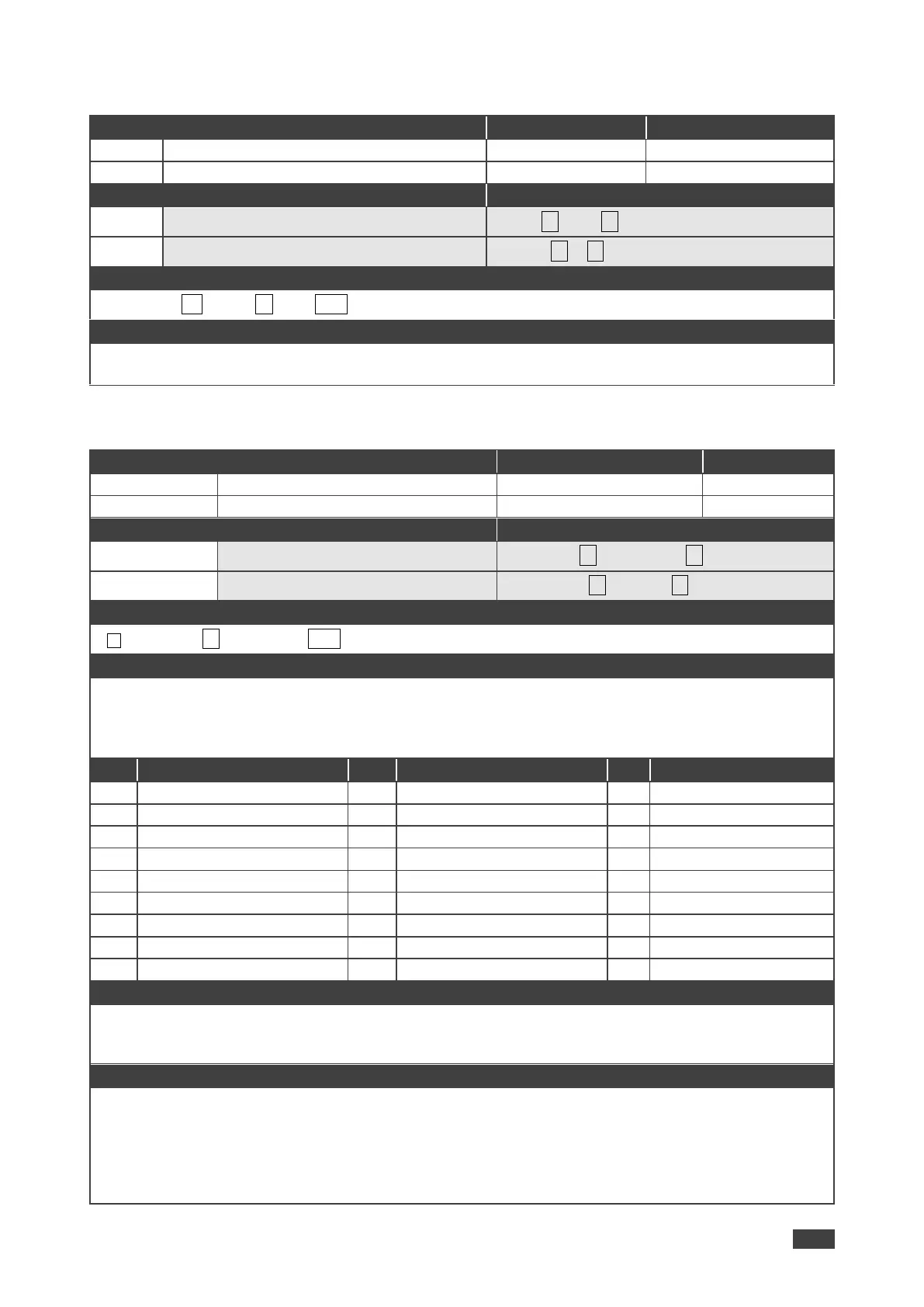
Set / Get: ~ nn@VFRZ␠P1,P2␍␊
P1 (Scaler number) – 1=Scaler
P2 (Off/On) – 0=Off; 1=On
~ nn@VID-RES␠P1,P2,P3,P4␍␊
P1 –1=Output
P2 – 1=Scaler
P3 – 0=Off
P4 - video resolutions – 200~223
After execution, response is sent to the com port from which the Set /Get was received
After execution, response is sent to all com ports if VID-RES was set by any other external control device
(button press, device menu and similar)
“Set” command is only applicable for stage=Output
“Set” command with is_native=ON sets native resolution on selected output (resolution index sent = 0).
Device sends as answer actual VIC ID of native resolution
“Get” command with is_native=ON returns native resolution VIC, with is_native=OFF returns current
resolution
To use “custom resolutions” (entries 100-105), define them using command DEF-RES



 To Next Page