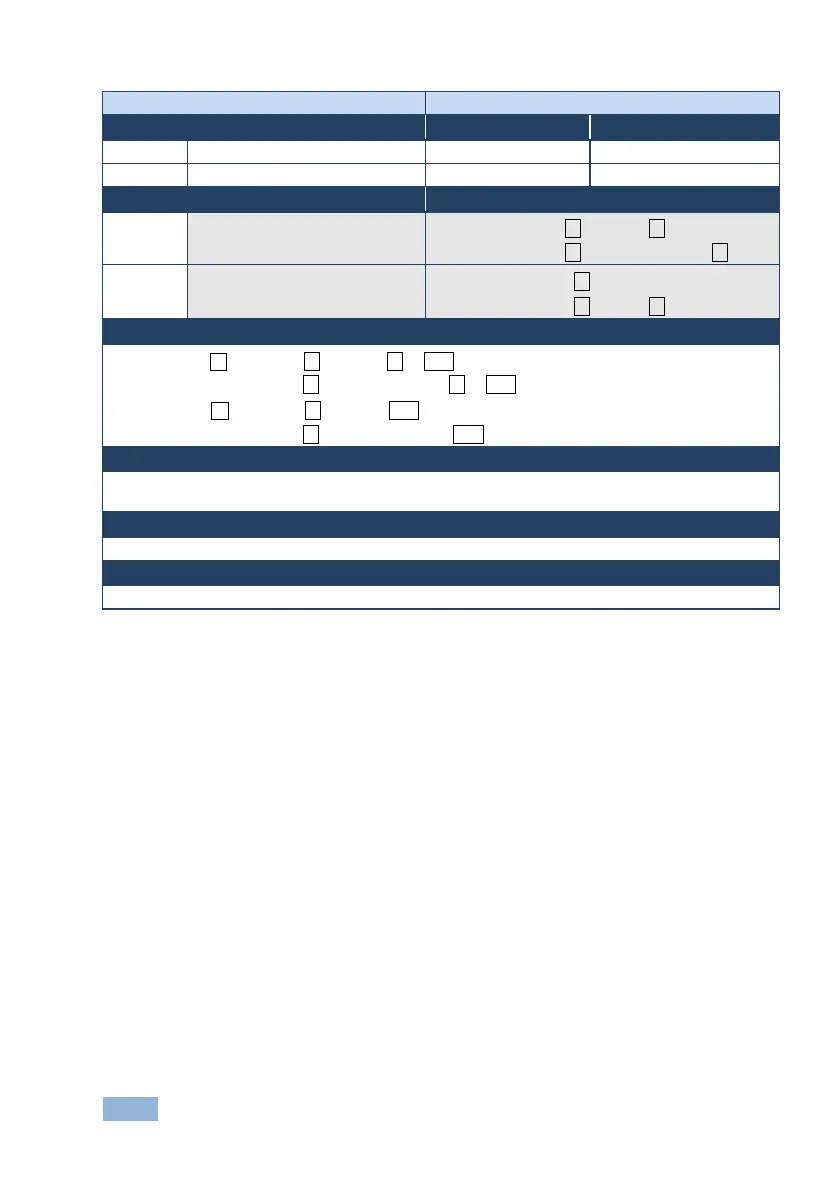
VS-62HA - Protocol 3000 Commands
Option 1: #LOCK-FP␠lock_mode␍
Option 2: #LOCK-FP␠device_id,lock_mode␍
Get front panel lock state
Option 1: #LOCK-FP?␍
Option 2: #LOCK-FP?␠device_id␍
Set: Option 1: ~nn@LOCK-FP␠lock_mode␠OK␍␊
Option 2: ~01@LOCK-FP␠device_id,lock_mode␠OK␍␊
Get: Option 1: ~nn@LOCK-FP␠lock_mode␍␊
Option 2: ~01@LOCK-FP␠device_id, lock_mode␍␊
lock_mode - 0/OFF - unlocks the front panel buttons, 1/ON - locks the front panel buttons
device_id - for K-Net controllers, select the button panel to lock. Locking is allowed only from the master



 To Next Page