7 COMBINATION INSTRUMENT
30
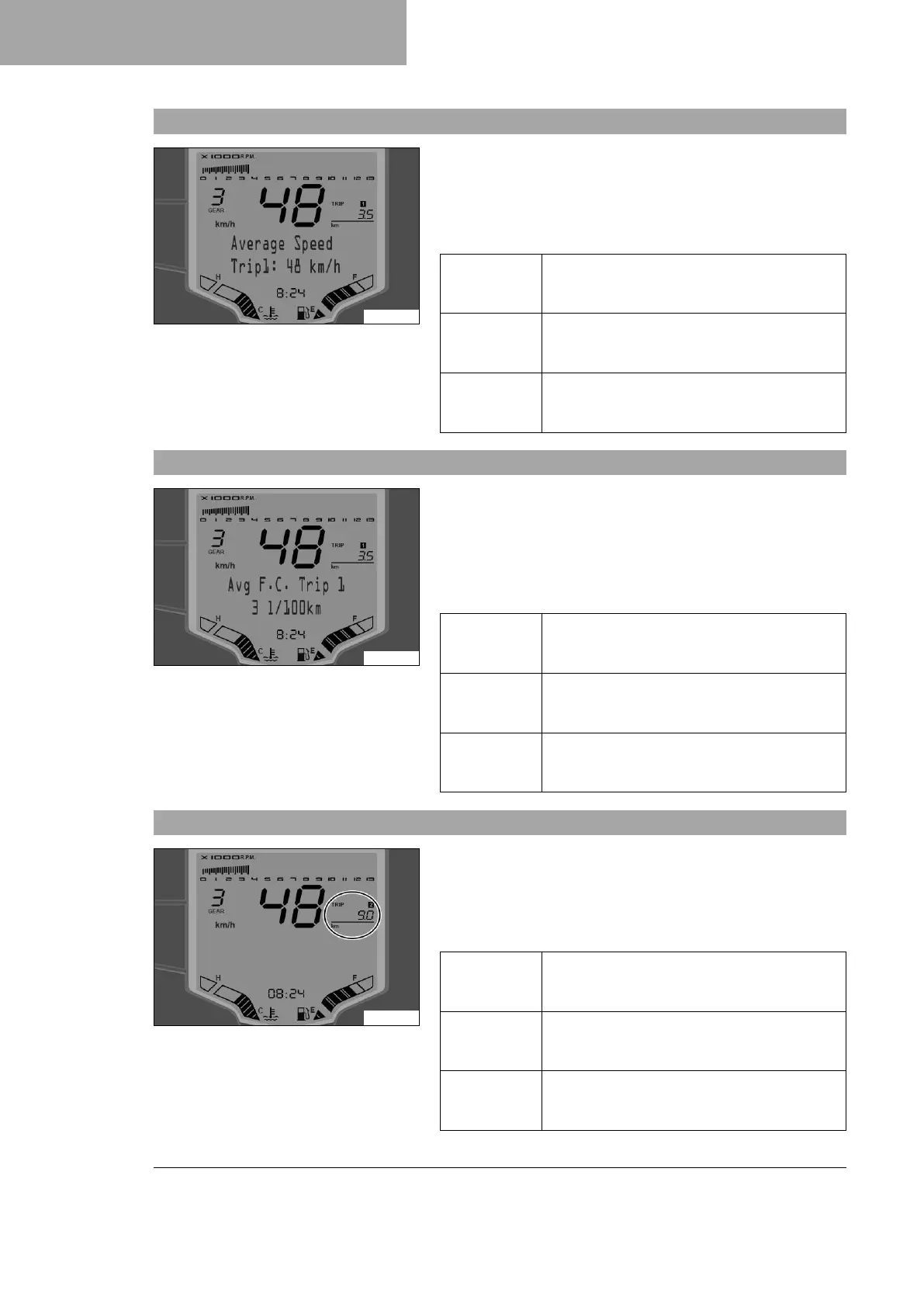
7.18 Average Speed Trip1
F01445-01
– Press the MODE button briefly and repeatedly until TRIP 1
appears on the display.
– Press the SET button briefly and repeatedly until the desired
menu appears.
Average speed 1 based on TRIP 1 is shown in this menu.
Press the
SET button
briefly.
Next menu on the display
Press the
SET button
for 3 seconds.
Display of TRIP 1 is reset
Press the
MODE button
briefly.
Next display mode in the display
7.19 Avg F.C. Trip 1
F01446-01
– Press the MODE button briefly and repeatedly until TRIP 1
appears on the display.
– Press the SET button briefly and repeatedly until the desired
menu appears.
Average fuel consumption 1 based on TRIP 1 is shown in this
menu.
Press the
SET button
briefly.
Next menu on the display
Press the
SET button
for 3 seconds.
Display of TRIP 1 is reset
Press the
MODE button
briefly.
Next display mode in the display
7.20 TRIP 2 display
A00977-10
– Press the MODE button briefly and repeatedly until TRIP 2
appears on the display.
TRIP 2 shows the distance since the last reset, such as between
two refueling stops. TRIP 2 is always running and counts up to
9999.9.
Press the
SET button
briefly.
Next menu on the display
Press the
SET button
for 3 seconds.
Display of TRIP 2 is reset
Press the
MODE button
briefly.
Next display mode in the display







 To Next Page