Functioning during work
Control box
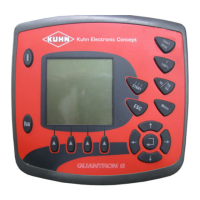
Quantron S
49
Starting field data
- Select the "Field data start" submenu (1).
- Press Enter key.
The data recording starts.
The working screen displays the cassette symbol during
the field file recording (9).
Stopping the recording
- As from the "Field data" menu, enter the file currently
used.
- Select the "Field data stop" submenu.
- Press Enter key.
The file recording is stopped.
0
1 : Display of the number of files still available
2 : Submenu used for starting the field data
3 : Identification area
4 : Values saved
5 : Display of date and time of drilling start
6 : Display of date and time of drilling end
7 : Display of the seed name used
8 : Submenu used to delete values saved in a file


 To Next Page