Machine use
Control box
Quantron S
39
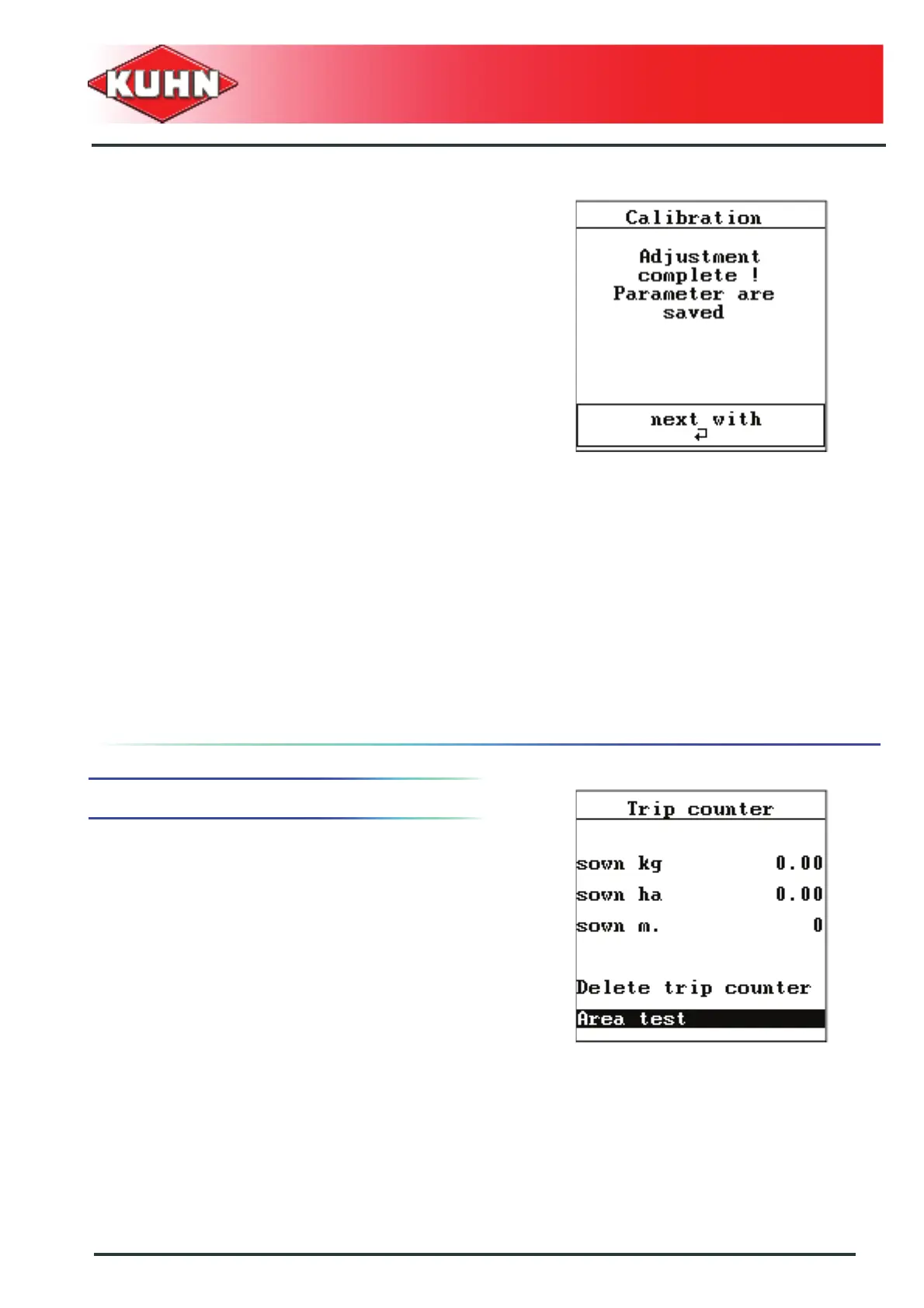
The calibration test is accepted. Settings will be stored in
the Private list under the saved name.
- Press Enter key.
- The machine is ready for work.
Optimize and test
- Select "Optimize and test".
- Press Enter key.
• The control box calculates the new opening
required and displays it on the screen.
• According to the application rate or travel speed
modification, the control box will suggest a new
optimized working zone.
- Proceed with a new calibration test. See chapter
Carry out the calibration test, Page 34.
6. Flow test with regards to an area
For this function, a seed flow for a set area can be
simulated.
- Press on the button ha.
- Select "Area test" sub-menu.
- Press Enter key.


 To Next Page