Machine use
Control box
Quantron S
37
Proceed with a new calibration test
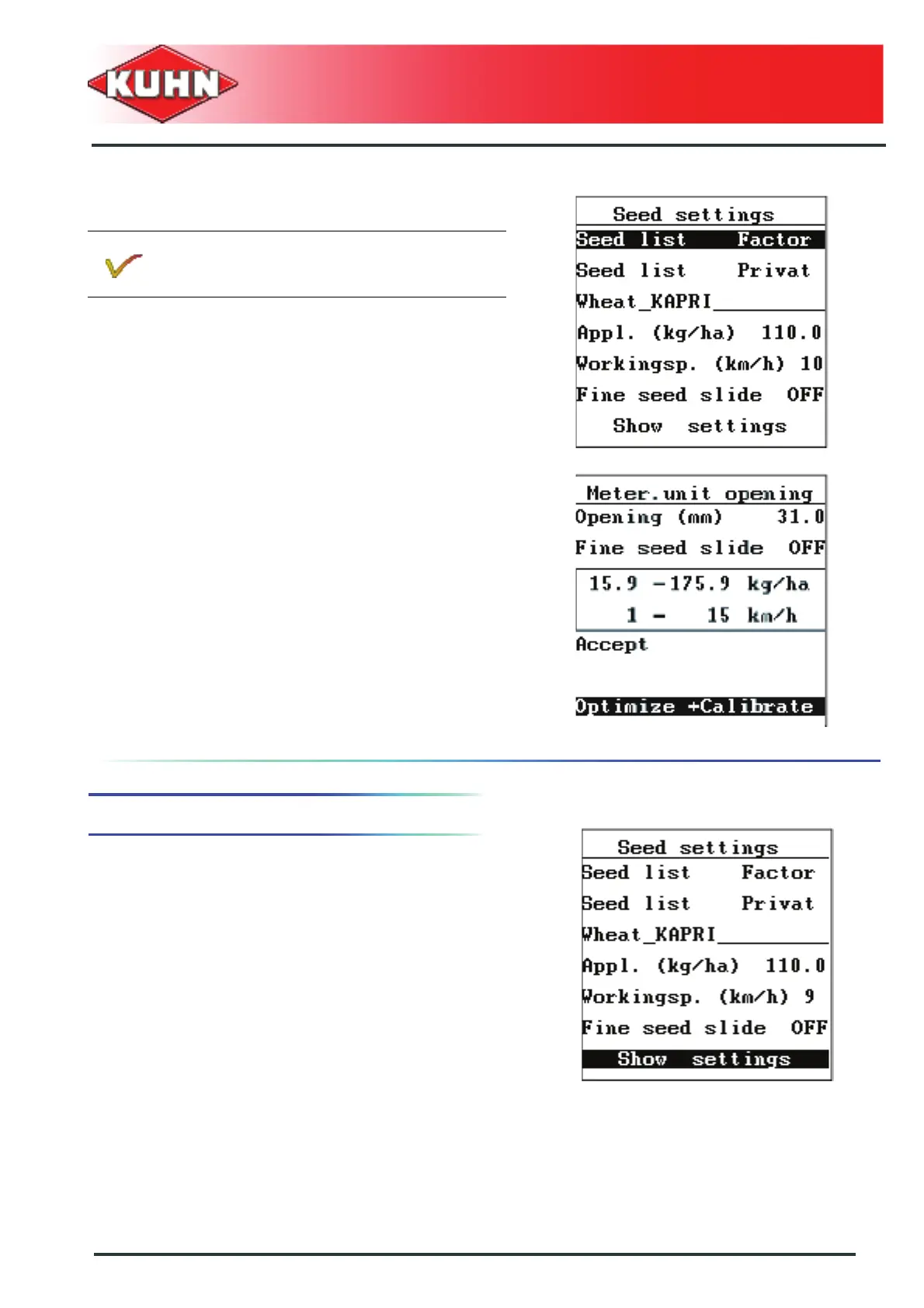
- Select the "Seed settings" sub-menu.
- Press Enter key.
- Move browser down to position the cursor on the
"Optimize and calibrate" sub-menu.
- Follow screen instructions.
- Proceed with a new calibration test. See chapter
Carry out the calibration test, Page 34.
5. Modification of the parameters
A modification of the planned application rate or work
speed of an already calibrated seed requires
confirmation.
- Select values to modify and validate each
modification.
- Select the "Seed settings" sub-menu.
- Press Enter key.
After presetting the metering unit opening, run a
calibration test to know the exact density of
seeds.



 To Next Page