Control box
48
Quantron S
Functioning during work
4. Operating data
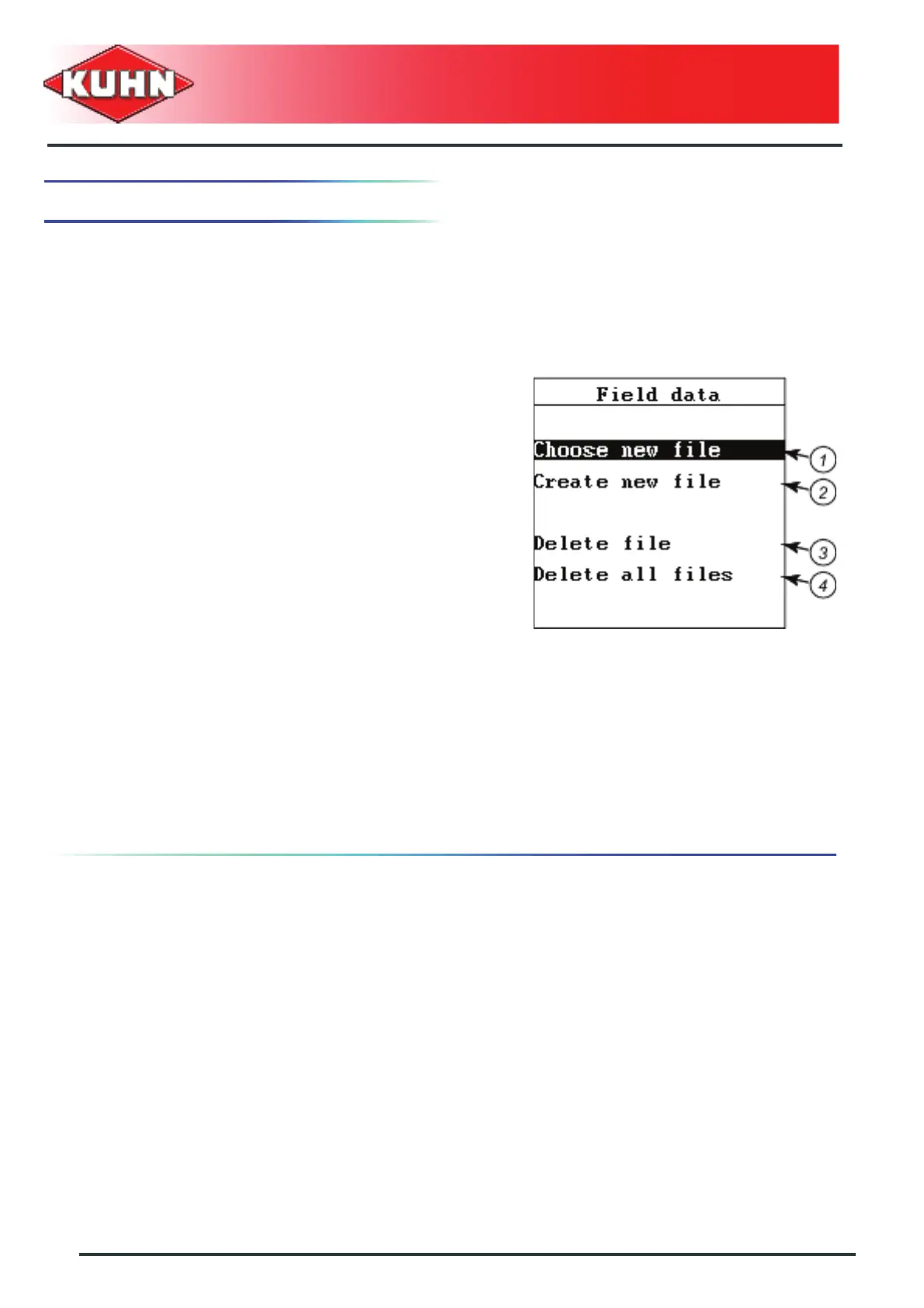
This menu is used for saving data of 200 fields.
- As from the "Main menu", select the "Field data"
menu.
Data can be saved either in field file already saved
(resuming work that had been stopped) or by creating a
new file.
Creating a new file (2)
- Select "Create new file".
- Press Enter key.
- Enter the field name in the allocated space.
The field name can be entered freely. See chapter
Text entry.
The number of letters is limited to 40.
Page 1 out of two appears on the screen.
Selecting a file (1)
Values saved in a file are not deleted, but completed with
new values.
- Select "Choose new file" submenu (2).
- Press Enter key.
The screen displays the field names saved in
alphabetical order.
- Select the required field.
- Press Enter key.
Page 1 out of two appears on the screen.



 To Next Page