Operating the oven
48
User's guide
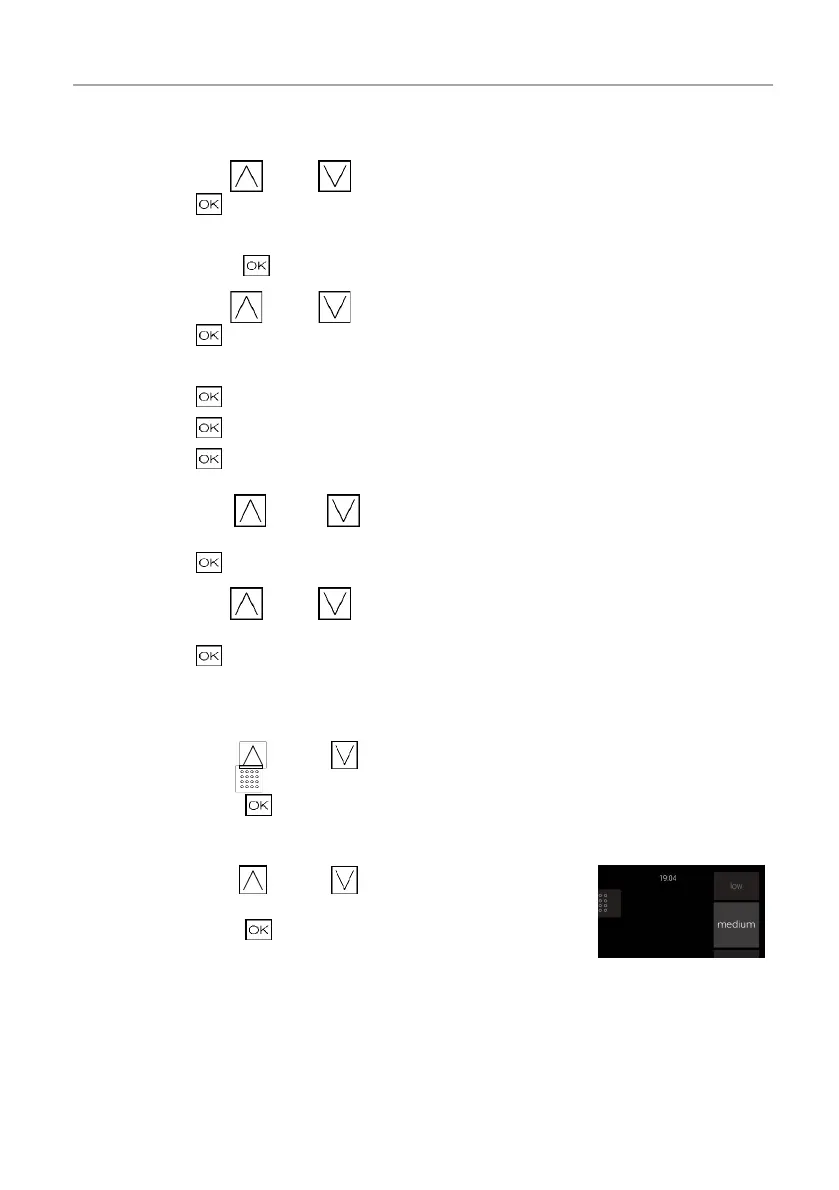
Setting date and time
□ Press the symbol
(up) or (down) to select the year.
□ Confirm with
.
□ Repeat these steps to select month and day.
□ Always confirm with
.
□ Press the symbol (up) or (down) to select the hour tile.
□ Confirm with
.
□ Repeat these steps to select the minutes.
□ Confirm with
. You will then need to select the clock display.
□ Confirm with
. Finally you must select the display format.
□ Confirm with
.
□ Press the symbol
(up) or (down) to select the weight
tile (kilogram preset).
□ Confirm with
.
□ Press the symbol
(up) or (down) to select the
temperature unit (Celsius preset).
□ Confirm with
.
Setting the water hardness level
□ Press the symbol
(up) or (down) to select the water
hardness level tile .
□ Confirm by pressing .
□ Press the symbol
(up) or (down) to select the water
hardness level.
□ Confirm by pressing
.
The settings for initial operation have been completed. You will go back
to the Home screen.









 To Next Page