Operating the oven
52
User's guide
11.9. Changing weight and temperature
11.9.1 Changing the weight of the food
If you wish to change the weight of the dish to be cooked, you can automatically change the duration and
temperature corresponding to the selected programme.
Proceed as follows to change the weight:
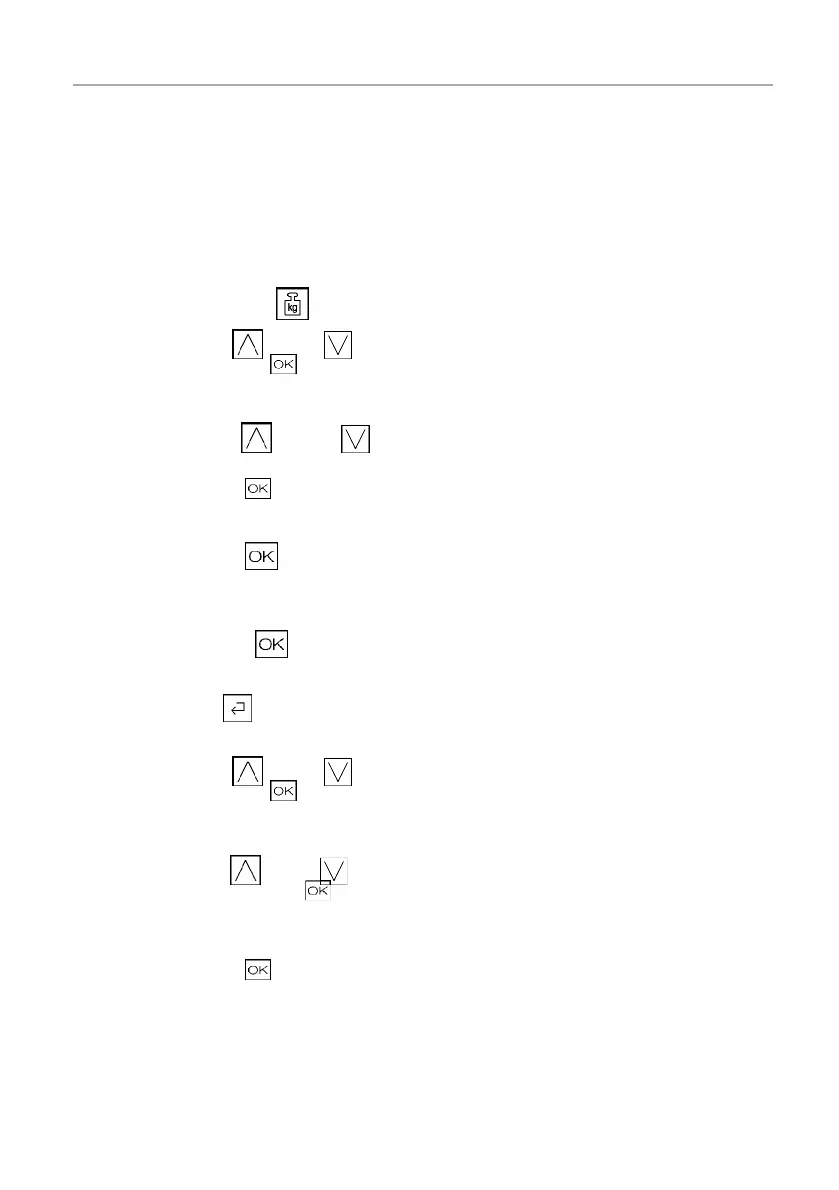
□ Touch the weight symbol
.
□ Press the symbol (up) or (down) to set the weight
and confirm by pressing .
□ Press the symbol
(up) or (down) to select the
cooking level.
□ Confirm by pressing
.
You will be returned to the settings view.
□ Confirm by pressing .
The process runs while the adaptation is taking place in the back-
ground. The new settings for the process are not adopted until they
are confi rmed by pressing
.
Alternative: (The process is terminated.)
□ Then press the
symbol (back) several times until you
reach weight setting. .
□ Press the symbol
(up) or (down) to set the weight
and confirm by pressing .
□ Press the symbol
(up) or (down) to set the cooking
level and confirm by pressing .
You will be returned to the settings view. Cooking times are auto-
matically calculated. You can also set fi nish times and cooking time.
□ Confirm by pressing .
The oven continues the cooking procedure with the adapted cook-
ing settings.









 To Next Page