Roasting thermometer
User's guide
65
14.3. Factory settings
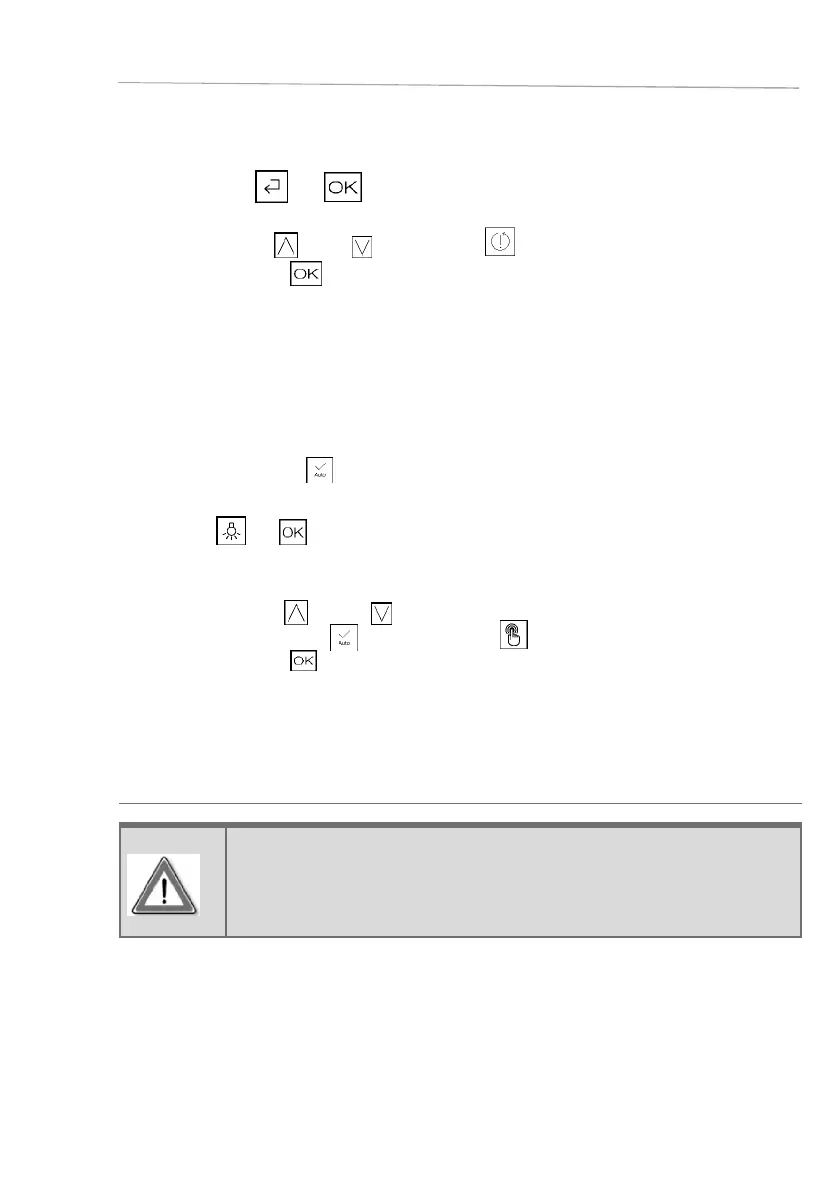
□ Now keep the and symbols pressed for 3 seconds until the screen shown adjacent
appears.
□ Press the symbol
(up) or (down) to select .
□ Confirm by pressing
.
Disconnect the appliance from the power supply and then reconnect it to the power supply.
The appliance starts again.
If necessary you must change the language in the settings screen.
14.4. Automatic confi rmation
With automatic confi rmation
, all set values are automatically adopted after 8 seconds (*only applies
to cooking parameters when you have already selected a cooking function or program).
□ Hold the
and symbols pressed in standby mode for
longer than 3 seconds - until the screen shown at the side
appears.
□ Press the symbol
(up) or (down) and then select
automatic confirmation or manual confirmation .
□ Confirm by pressing .
You will return to the standby display.
15. Roasting thermometer
WARNING!
If you do not use the roasting thermometer, cover the plug in the interior,
otherwise the appliance will be damaged!
Only use the original roating thermometer provided for this oven.
The roasting thermometer measures the temperature inside the food. As soon as the temperature
determined by the thermometer has reached a certain value, the roast is as desired, i.e. not too dry or to
raw, but rather "just right"".
Cooking continues until the temperature inside the roast has reached the respective value. This is why it
cannot be set. The duration can vary depending on meat size and type, cooking temperature, and selected
operating mode.









 To Next Page