Steam cleaning
User's guide
71
17. Steam cleaning
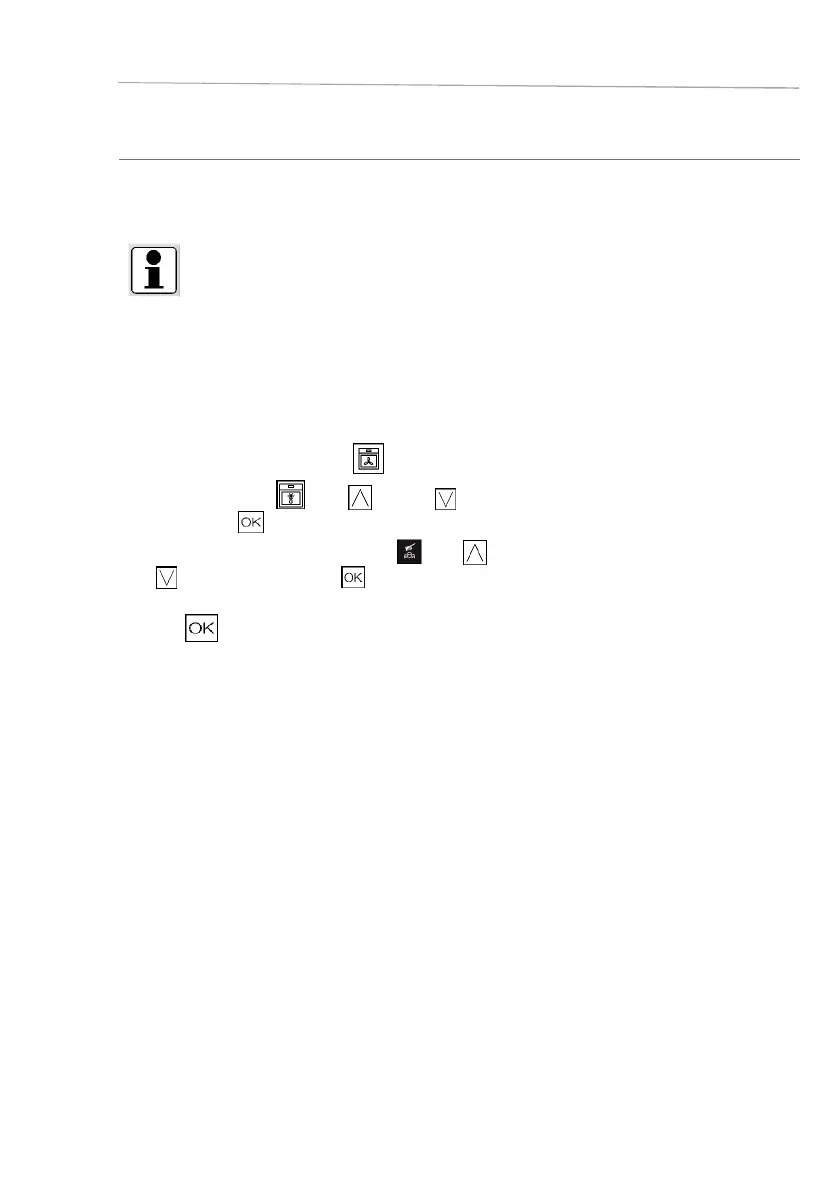
The appliance has an additional steam cleaning function.
You will fi nd this function in the Special functions menu.
INFO
For preparation, fi ll the bottom tray in the cavity half with water and the other half with
conventional vinegar.
Let the mixture work for 5 minutes.
Meanwhile you can fi ll the water tank with 500 ml of water.
Now follow the steps below to set up the appliance.
□ In the home screen select the
icon.
□ Select the menu
with (up) or (down) and
confirm with .
□ Select the function Steam cleaning
with (up) or
(down) and confirm with .
□ In the next step you have to confirm your selection again
with to start the process.
Before you do this, please check whether you have followed all the preparation steps listed in the above
information.
The appliance starts steam cleaning.
Once the process is complete, open the door and wait 4-5 minutes with the door open to cool the oven.
Then wipe the interior cavity dry.









 To Next Page