Favourites
User's guide
59
12. Favourites
The oven is fi tted with a memory function which makes it possible to save up to 20 programmes and
cooking settings you have created yourself as a favourite.
12.1. Calling up a favourite
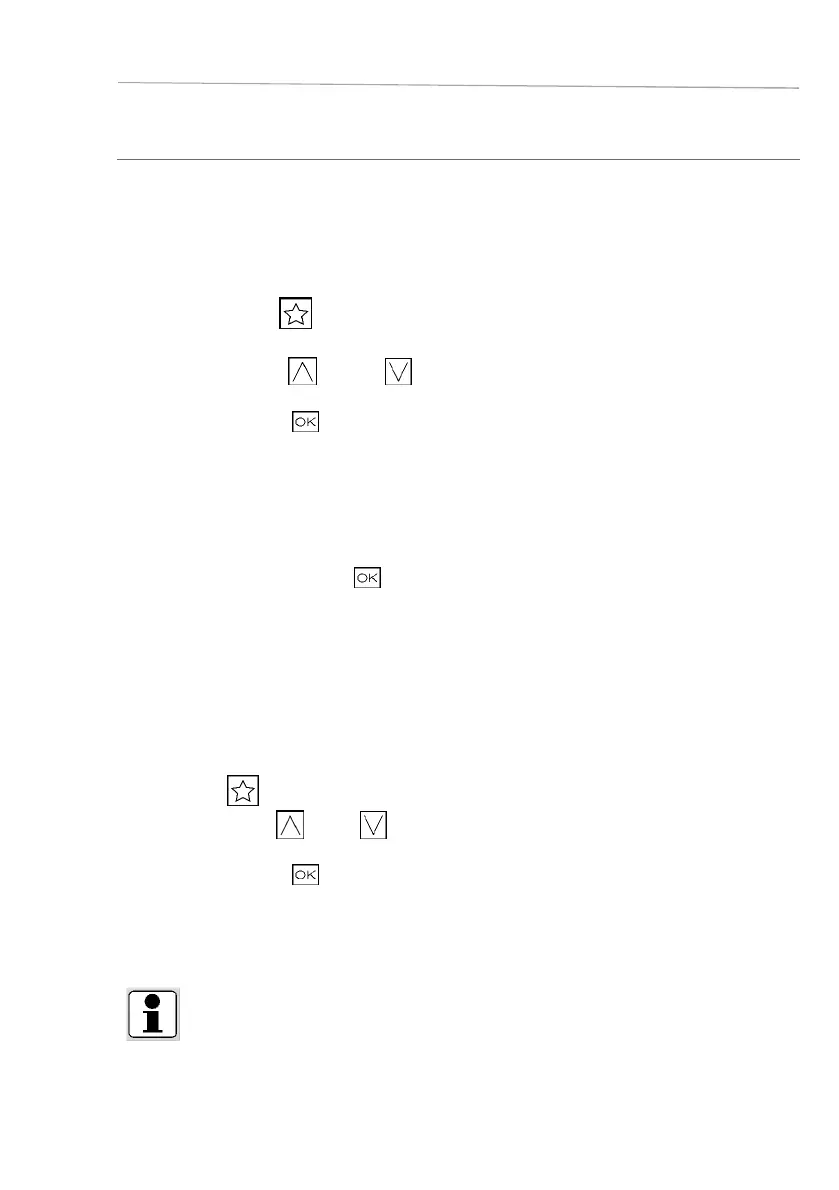
□ Touch the
symbol
(Favourites)
□ Press the symbol (up) or (down) to select the
favourite.
□ Confirm by pressing
.
You will go to the Settings view. Now you can activate the rapid
heating, the timer and the end of cooking time. (see chapters Rapid
heating/ Setting the timer/ Selecting the end of cooking time.)
In addition, you can make changes to the programme or cook-
ing settings.
□ To confirm the settings, press
.
□ The oven will commence the cooking process.
12.2. Saving favourites
In the settings overview and in the cooking procedure, you have the option of saving programmes and
cooking settings as favourites.
□ Press the
symbol to save a favourite.
□ Press the symbol
(up) or (down) to select a storage
space (1–20).
□ Confirm by pressing .
Please wait a moment, and then you will automatically go to the
settings overview.
INFO
If you select an already assigned storage space, you overwrite the favourite stored in it.









 To Next Page