Settings
User's guide
61
13.2. ECO
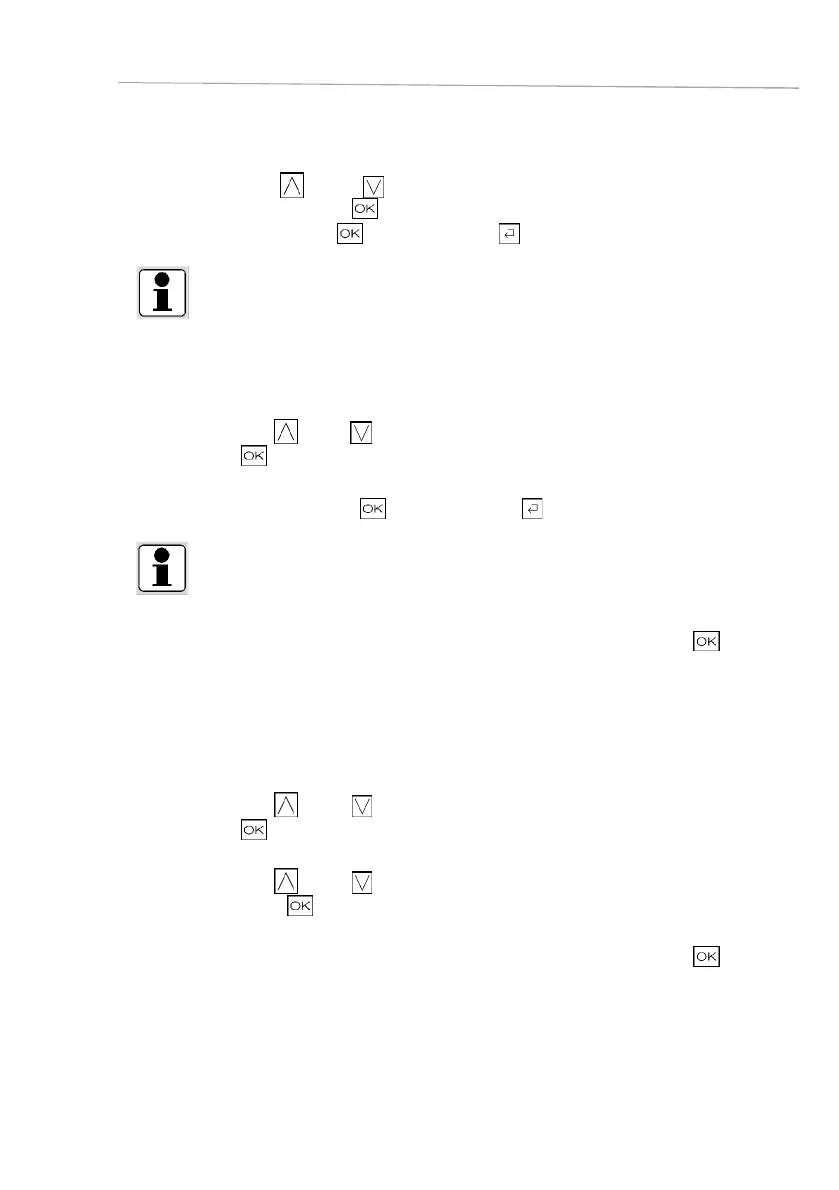
□ Press the symbol
(up) or (down) to select the menu
ECO and confirm by pressing .
□ Activate the Eco mode with
and deactivate with .
INFO!
Some functions are deactivated in the Eco mode, in order to reduce energy consumption.
During the activation time, the indication “Eco” is always visible in the display.
13.3. Startup sound
□ Press the symbol
(up) or (down) to select the sound menu.
□ Confirm with
.
□ Activate the startup sound with and deactivate with .
INFO!
If the startup sound is disabled, there is no sound when you start the appliance.
For security reasons, other sounds remain activated.
Following the same procedure to switch off the respective units and confi rm again with
.
□ You will go back to the Home screen.
13.4. Unit settings
□ Press the symbol
(up) or (down) to select the Units menu.
□ Confirm with .
□ Press the symbol
(up) or (down) to change a unit and
confirm by pressing .
Following the same procedure to switch off the respective units and confi rm again with .
□ You will go back to the Home screen.









 To Next Page