Camera and Video 138
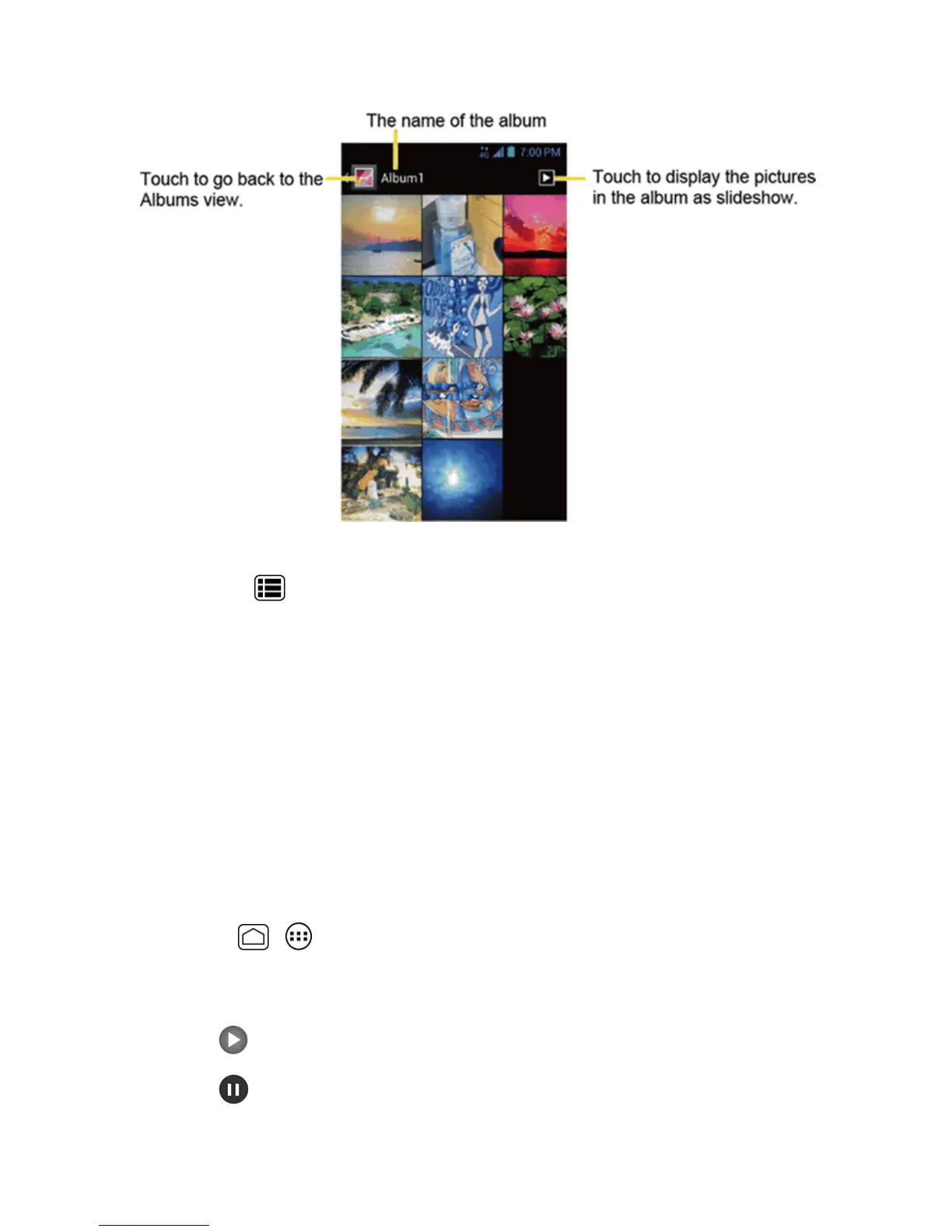
2. Touchanimagetoviewthepicture.
Note:PressMenu toselectimagesorgroupimages.
Zoom In or Out on a Picture
Therearetwowaysyoucanzoominoroutofapicture.
n Touchthescreentwicequicklytozoomin,andthentouchthescreentwicequicklyagaintozoom
out.
–or–
Pinchthescreenusingyourthumbandforefingertozoomoutorspreadthescreentozoomin.
Watch Video
Usetheonscreencontrolstoplay,pause,orstopthevideo.
1.
PressHome > >Gallery.
2. Touchanalbumcontainingavideoyouwanttowatch,andthentouchanimagetoviewthe
video.
l
Touch toplaythevideo.
l
Touch topausethevideo.











 To Next Page