Phone Basics 17
n Application Launcher:Touchtodisplayavailableapplicationsandwidgetsonthephone.
n Favorites Tray:Containsuptofiveiconsandappearsoneveryhomescreen.Youcan
customizetheseiconsexcepttheapplicationlaunchericoninthemiddle.
n Screen Position Indicator:Indicateswhereyouareamongthefivehomescreens.
n Folder:Allowsuserstoorganizescreenitems.Youcanstoremultipleapplicationiconsasa
group.
n Google Search Bar:Allowsuserstoentertextorspokenkeywordsforaquicksearchonthe
phoneorontheInternet.Touchtoentertextortouch tospeakyourkeyword.
Tip:PressHome toreturntothemainhomescreenfromanyotherscreen.
Extended Home Screens
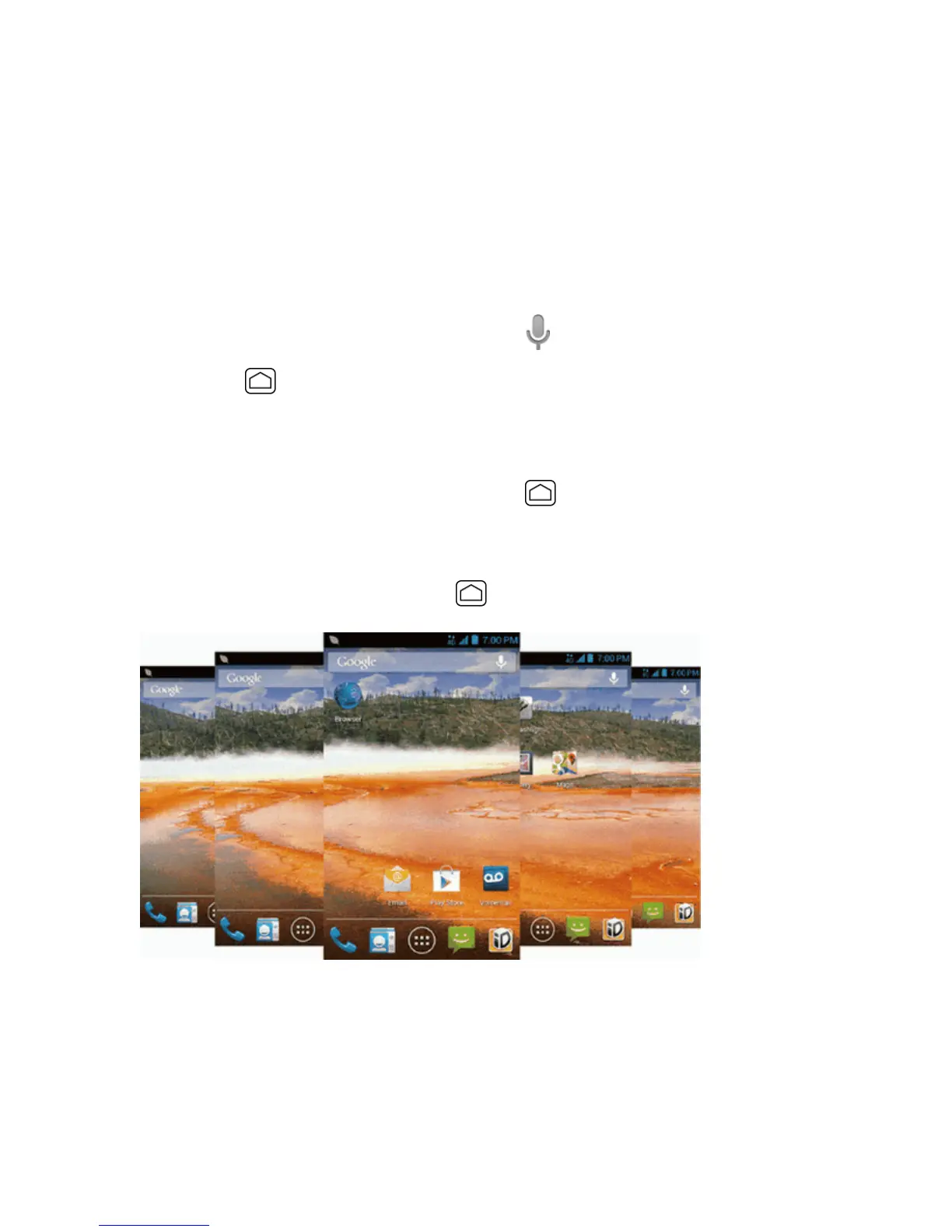
Inadditiontothemainhomescreen,yourphonehasfourextendedhomescreenstoprovidemore
spaceforaddingicons,widgets,andmore.PressHome andthendragacrossthescreento
movefromthemainscreentoanextendedscreen.
n Youcannotaddmorescreens.
n
Whileonanextendedscreen,pressHome toreturntothemainhomescreen.
Customize the Home Screen
Learnhowtoadd,move,orremoveitemsfromthehomescreen.











 To Next Page