Tools and Calendar 163
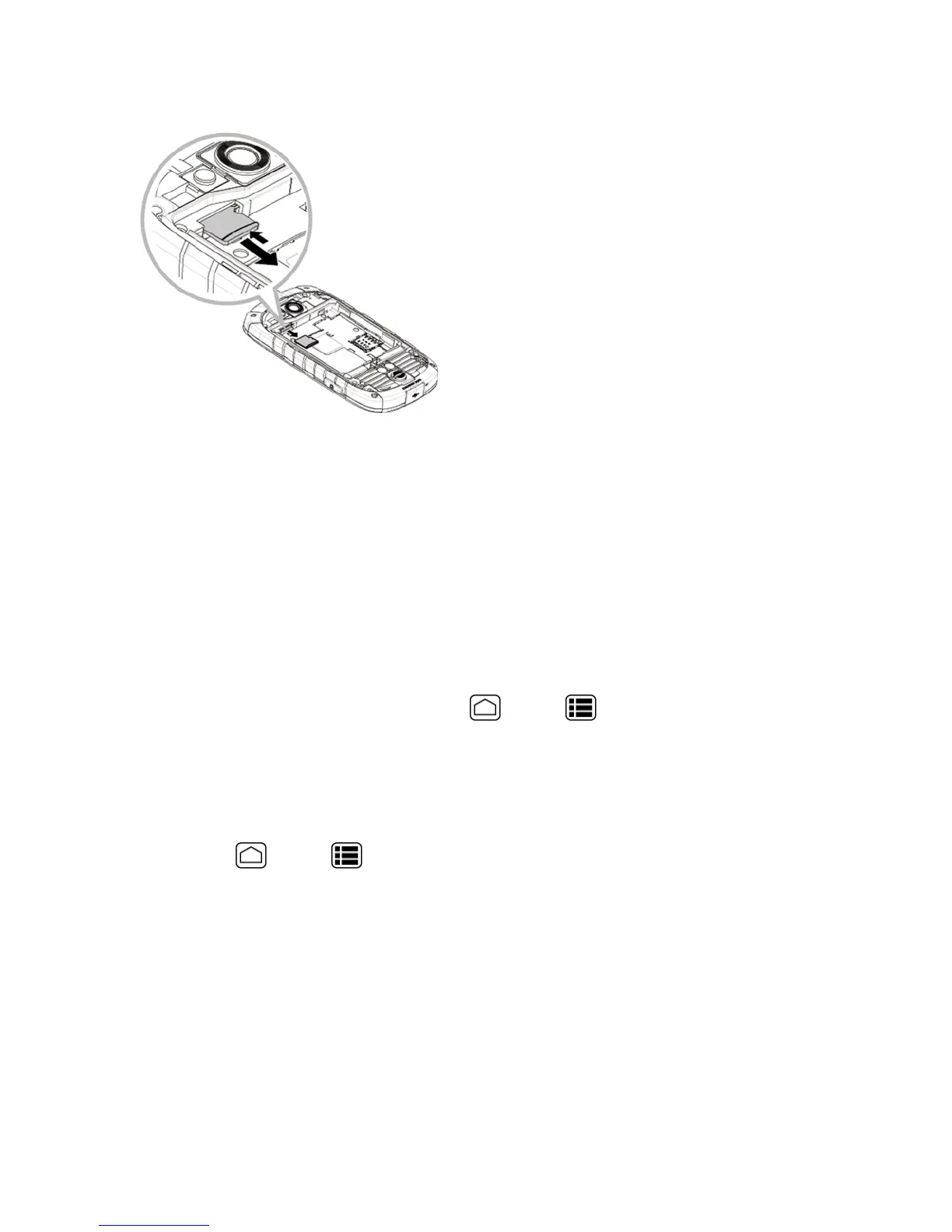
4. Gentlypulloutthecardfromtheslot.
5. Replacethebatteryandthebatterycover.SeeInsertandChargetheBattery.
Note:YoucaneasilydamagethemicroSDcardbyimproperoperation.Pleasebecarefulwhen
inserting,removing,orhandlingthemicroSDcard.
Note:MakesureyourbatteryisfullychargedbeforeusingthemicroSDcard.Yourdatamay
becomedamagedorunusableifthebatteryrunsoutwhileusingthemicroSDcard.
View the microSD Card Memory
TheStoragesettingsmenugivesyouaccesstoyourmicroSDcardmemoryinformation.
n
WiththemicroSDcardinserted,pressHome >Menu >System settings>Storage.
(Thetotalandavailablememoryspacewillbedisplayed.)
Format the microSD Card
FormattingamicroSDcardpermanentlyremovesallfilesstoredonthecard.
1.
PressHome >Menu >System settings>Storage.
2. Scrolldownthescreen,touchErase SD card >Erase SD card>Erase everything.
Note:TheformattingprocedureerasesallthedataonthemicroSDcard,afterwhichthefiles
CANNOTberetrieved.Topreventthelossofimportantdata,pleasecheckthecontentsbeforeyou
formatthecard.
Unmount the microSD Card
UnmountthemicroSDcardtopreventcorruptingthedatastoredonitordamagingthemicroSD
card.











 To Next Page