Phone Basics 15
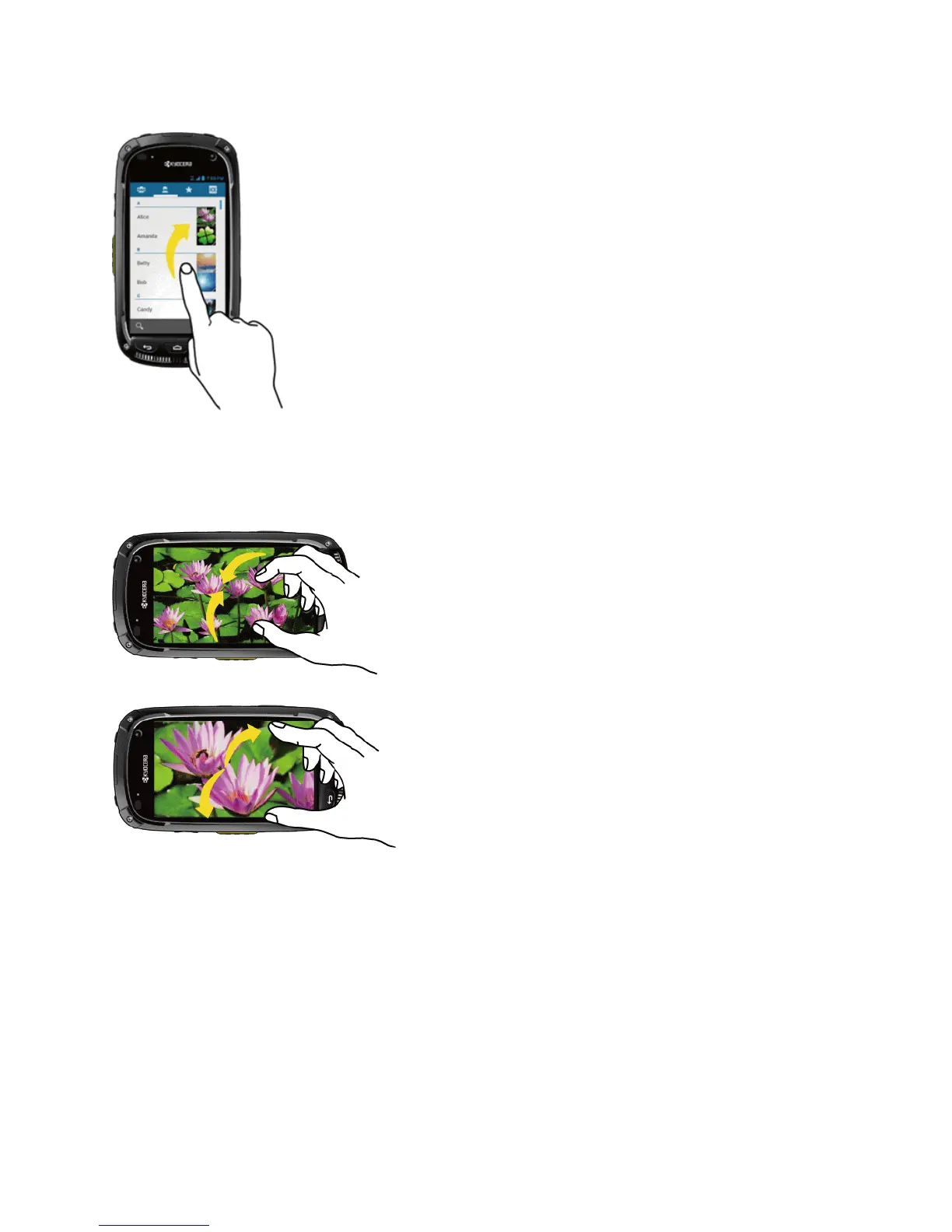
Pinch and Spread
Pinchthescreenusingyourthumbandforefingertozoomout,orspreadthescreentozoominwhen
viewingapictureoraWebpage.(Movefingersinwardtozoomoutandoutwardtozoomin.)
Rotate
Formostscreens,youcanautomaticallychangethescreenorientationfromportraittolandscapeby
turningthephonesideways.Whenenteringtext,youcanturnthephonesidewaystobringupa
biggerkeyboard.SeeTouchscreenKeyboardsformoredetails.











 To Next Page