People 69
l
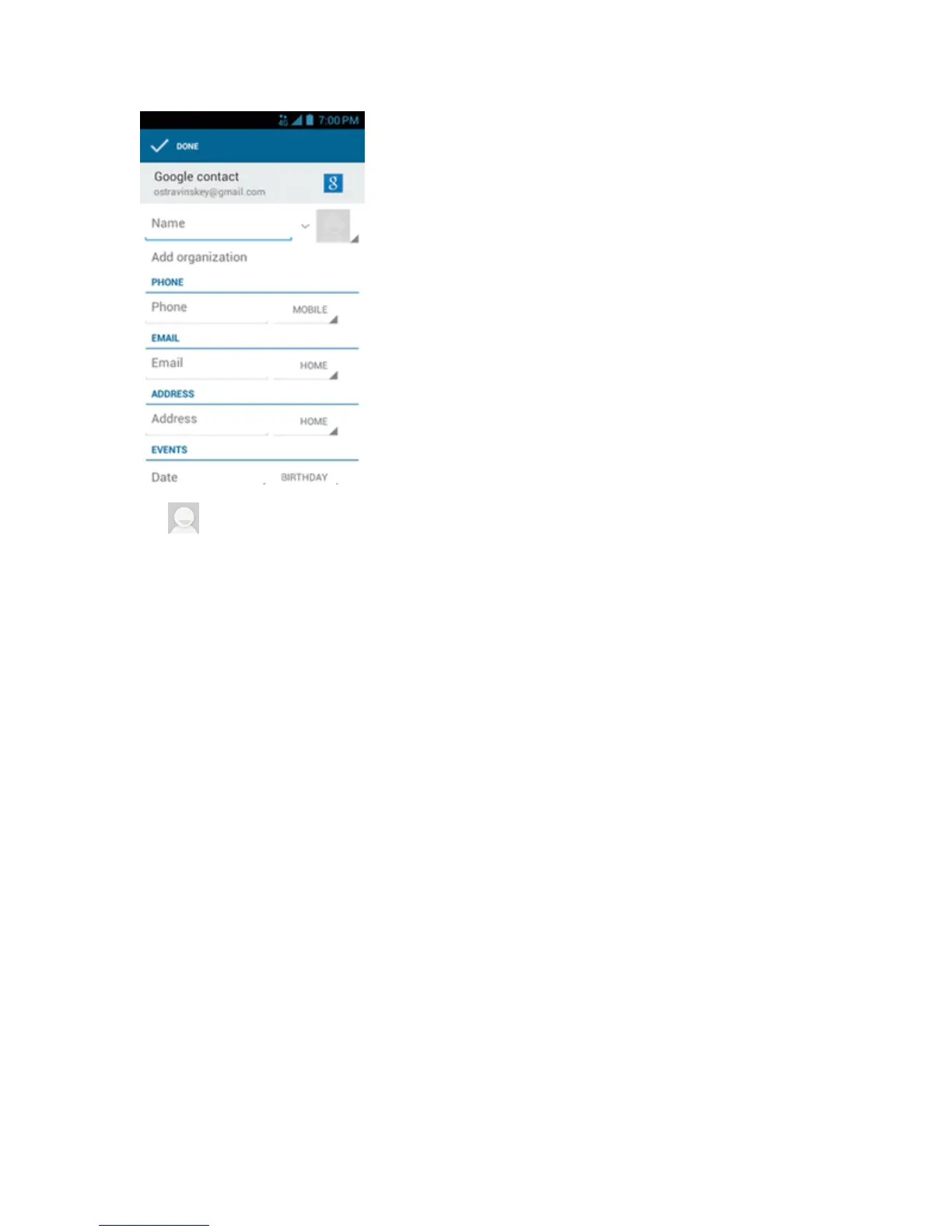
:Touchthepictureicontoassignapicturetothecontact.SeeAssignaStoredPictureto
aContactorAssignaNewPicturetoaContact.
l Name
l Add organization
l PHONE
l EMAIL
l ADDRESS
l EVENTS
l GROUPS
l Addanotherfield:TouchtoincludeadditionalinformationsuchasIM,Notes,Nickname,
Website,etc.
Note:Toselectatype(label)foraphonenumber,emailaddress,orpostaladdress(suchas
MOBILE,HOME,WORK,etc.),touchthetypetotherightofthefieldandselecttheappropriate
type.
Note:Toaddmorephonenumbers,emailaddresses,etc.,touchAdd newunderthecurrent
numbersoraddresses.
4. Whenyouhavefinishedaddinginformation,touchDONE.
Save a Phone Number
YoucansaveaphonenumbertoPeopledirectlyfromthephonedialpad.











 To Next Page