Inspection and preventive maintenance
Listening test
enclosure preset usable bandwidth
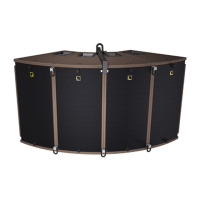
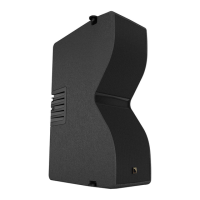
A10 Focus [A10] 66 Hz - 20 kHz
A10 Wide [A10] 67 Hz - 20 kHz
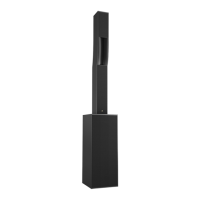
KS21 [KS21_100] 31 Hz - 100 Hz
Procedure
1. Load the preset on an LA4X / LA8 / LA12X amplied controller.
2. Connect a sinus generator to the amplied controller.
Risk of hearing damage
Set a low sound level to start and use ear protection to adjust before testing.
3. Scan the bandwidth focusing on the usable range.
The sound should remain pure and free of unwanted noise.
Troubleshooting for LF speakers
One or more LF speaker produces distorted, buzzing, rubbing, clicking, mufed or weak sound.
Possible causes
• The screws are not tightened with the appropriate torque.
• There is an air leak in the gasket.
• There is dust on the cone.
• The cone is damaged.
• The surround is torn or delaminated.
• The voice coil or the spider is damaged.
Procedure
1. Perform the speaker disassembly procedure.
2. Visually inspect the cables and the connectors.
3. Visually inspect the speaker cone, the voice coil and the spider.
If any damage is visible, replace the speaker.
4. Carefully clean the speaker with a dry cloth.
5. Perform the reassembly procedure.
Replace the speaker gasket and the screws.
Apply the recommended torque.
6. Repeat the listening test.
If the problem persists, replace the speaker.
68 A10 owner's manual (EN) version 1.1





 To Next Page