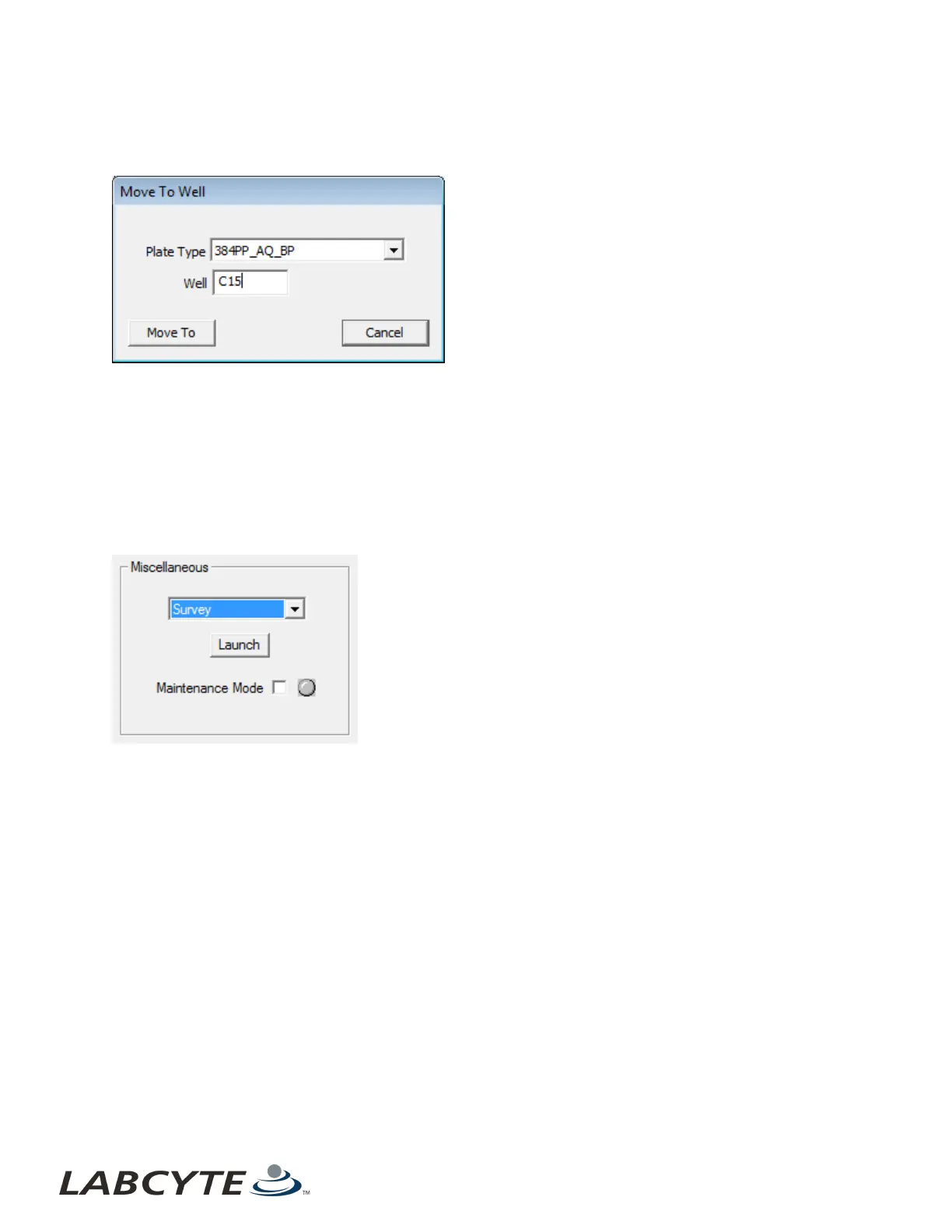
1. Select Move to Well and click the Launch button. The Move to Well dialog box is displayed.
2. Enter the row and column address of the well. Example: C15.
Figure 81: Move to well function
3. Click the Move To button to move the acoustic transducer directly beneath the specified well.
If you want to abort this function, click the Cancel button.
Diagnostic Survey
The Survey procedure performs an acoustic survey of the fluid in the loaded source plate.
1. Go to the Diagnostics window and use the Diagnostics controls to load a source plate into the Echo Liquid Handler.
2. Select Survey from the Miscellaneous drop-down list.
Figure 82: Survey Section
Echo Liquid Handler Software CHAPTER 5 | Software
126



 To Next Page