Turn Off Echo Power
You may need to power off the Echo Liquid Handler for any of the following reasons:
l Extended periods of non-use
l Preventive maintenance
l Service or repair
l Power interruptions, such as scheduled facility power interruptions
l Moving it to a new location
When you need to turn the power off, use the following procedure:
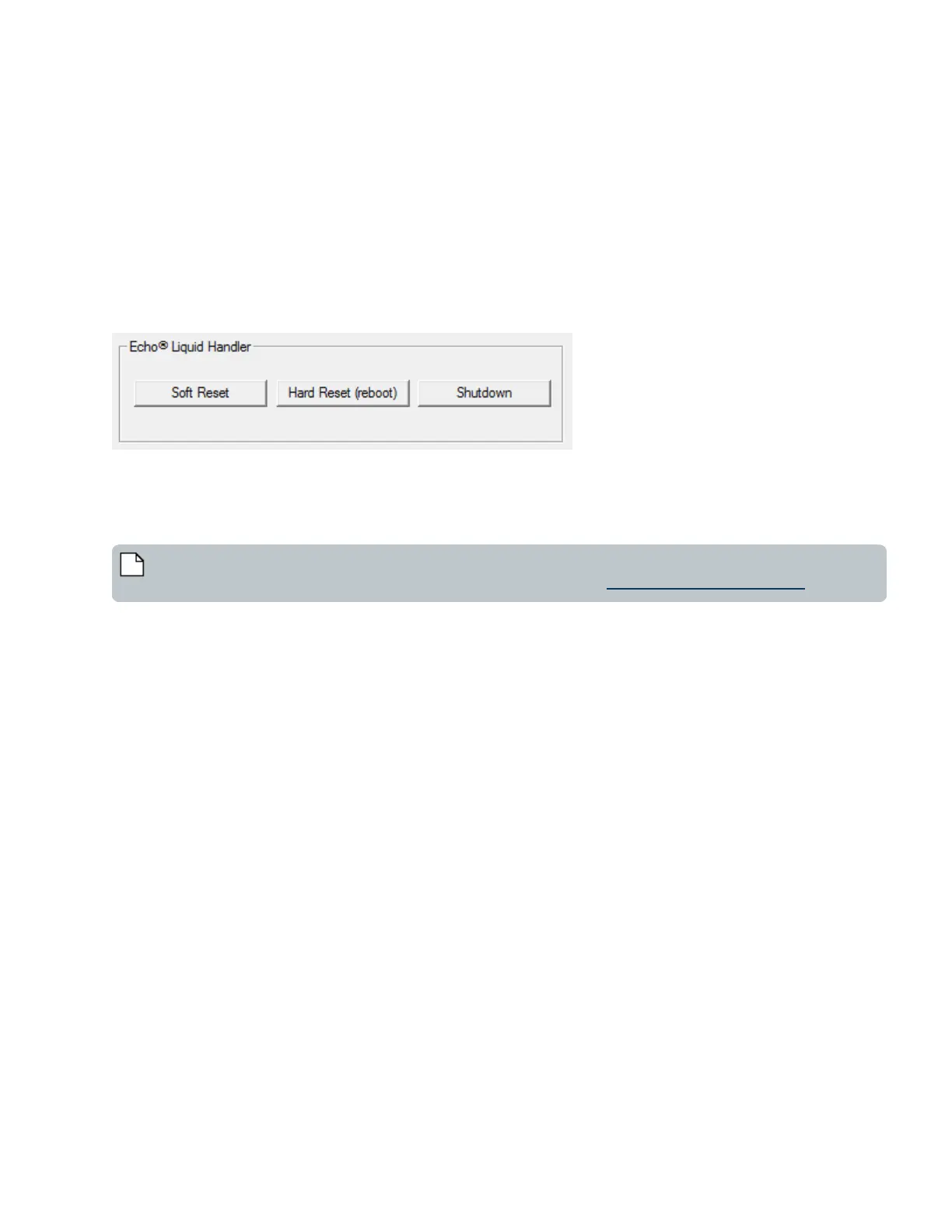
1. Shutdown the controller inside the Echo Liquid Handler. From the Advanced window, click the Shutdown button.
Figure 46: System reset and shutdown controls
2. Leave the vacuum supply line connected and the vacuum source turned on.
3. Switch off the AC power switch on the Echo Liquid Handler.
4. Wait three minutes to allow the coupling fluid to completely drain out of the catch basin.
5. Leave the chiller on and the air pressure and vacuum lines connected.
Note: If the Echo Liquid Handler is going to be shut down for longer than a week, start up and run the pump once
a week to keep the acoustic transducer wet. For more information, see Extended Non-Use and Storage.
Emergency Motion Off Switch
The Emergency Motion Off switch, also known as the EMO (Emergency Motion Off) switch can be used in an emergency to shut
down all mechanical activity in the Echo Liquid Handler. There are two Emergency motion off switches, one on the front panel and
one on the rear panel of the Echo Liquid Handler.
85 PN | 001-11665
USER GUIDE | Echo® 525 Liquid Handler User Guide Startup/Shutdown



 To Next Page