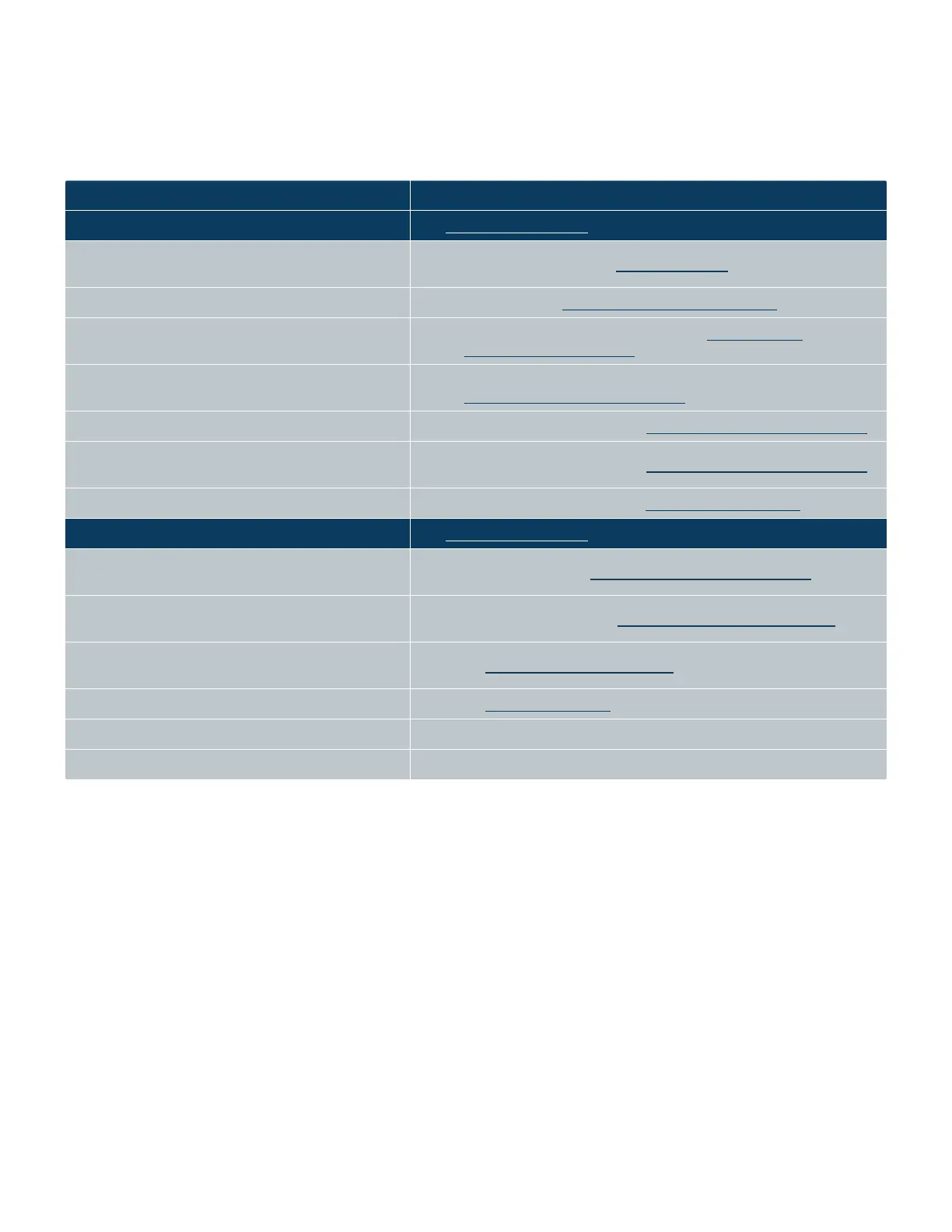
Maintenance Alert Procedure
Warning light is yellow. Possible causes: See Status Indicator Lights.
l The Echo stages (acoustic transducer, source plate, and
destination plate) are not homed.
l
Perform Home calibration. See Home Calibration.
l The fluid level is low in the coupling fluid bottle. l
Add more fluid. See Echo Coupling Fluid Maintenance.
l The coupling fluid temperature is outside of the normal
range: 21.2°C–23.0°C
l
Check the chiller setting, it should be at 22°C. See Coupling Fluid
Temperature and Indicator.
l The door is neither fully open nor fully closed.
l Check for obstruction. Check compressed air pressure, it could be too low. See
Compressed Air Pressure Indicator.
l The upper anti-static bar is neither fully up nor fully down. l
Check compressed air pressure. See Compressed Air Pressure Indicator.
l The source plate dryer nozzle is neither fully up nor fully
down.
l
Check compressed air pressure. See Compressed Air Pressure Indicator.
l A focus calibration check needs to be performed. l
Perform focus calibration check. See Focus Calibration Check.
Fault light is red. Possible causes: See Status Indicator Lights.
l The user-supplied compressed air supply is low ( < 80
PSI) or nonexistent.
l
Increase air pressure. See Compressed Air Pressure Indicator.
l The user-supplied vacuum pressure is low ( < 15 in Hg
Vac) or nonexistent.
l
Increase vacuum pressure. See Vacuum Supply Pressure Indicator.
l The EMO (Emergency Motion Off) switch has been
activated.
l
See Emergency Motion Off Switch.
l A coupling fluid leak has been detected. l
See Fluid Leak Indicator.
l LCD message indicates user assistance needed. l Follow instructions on the LCD screen.
l Client PC indicates a problem. l This message is generated by custom programming. See your System Administrator.



 To Next Page