Launch Echo Liquid Handler Software
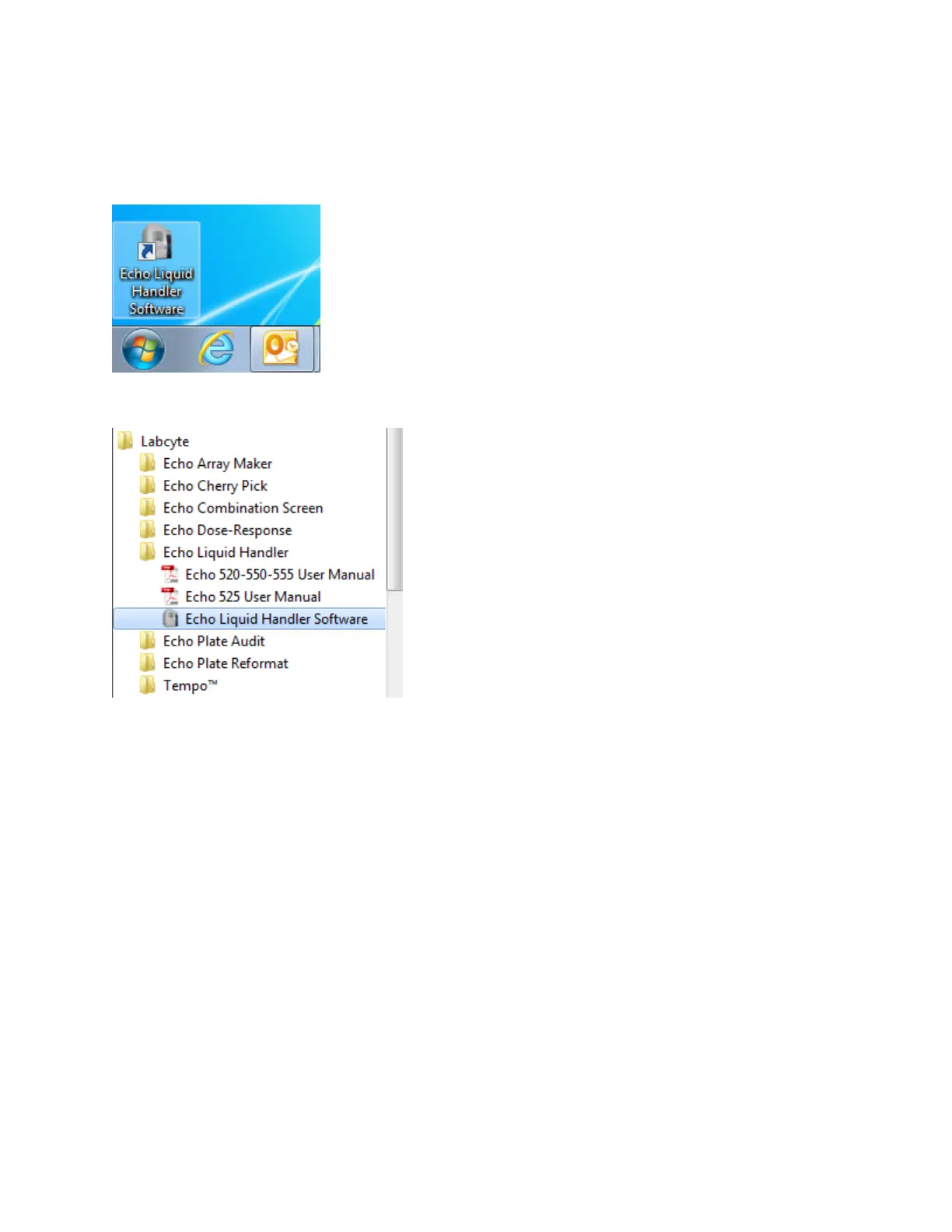
The Echo Liquid Handler software can be launched by either of the following methods:
l Open the Labcyte Echo folder on the desktop and double-click the icon for your Echo Liquid Handler.
Figure 43: Starting the Echo Liquid Handler from the Windows Desktop
l Go to Start > Programs > Labcyte > Echo Liquid Handler > Echo Liquid Handler Software .
Figure 44: Starting the Echo Liquid Handler from the Start menu
The Echo Liquid Handler software connects to the Echo Liquid Handler and displays the following welcome screen.
83 PN | 001-11665
USER GUIDE | Echo® 525 Liquid Handler User Guide Startup/Shutdown



 To Next Page