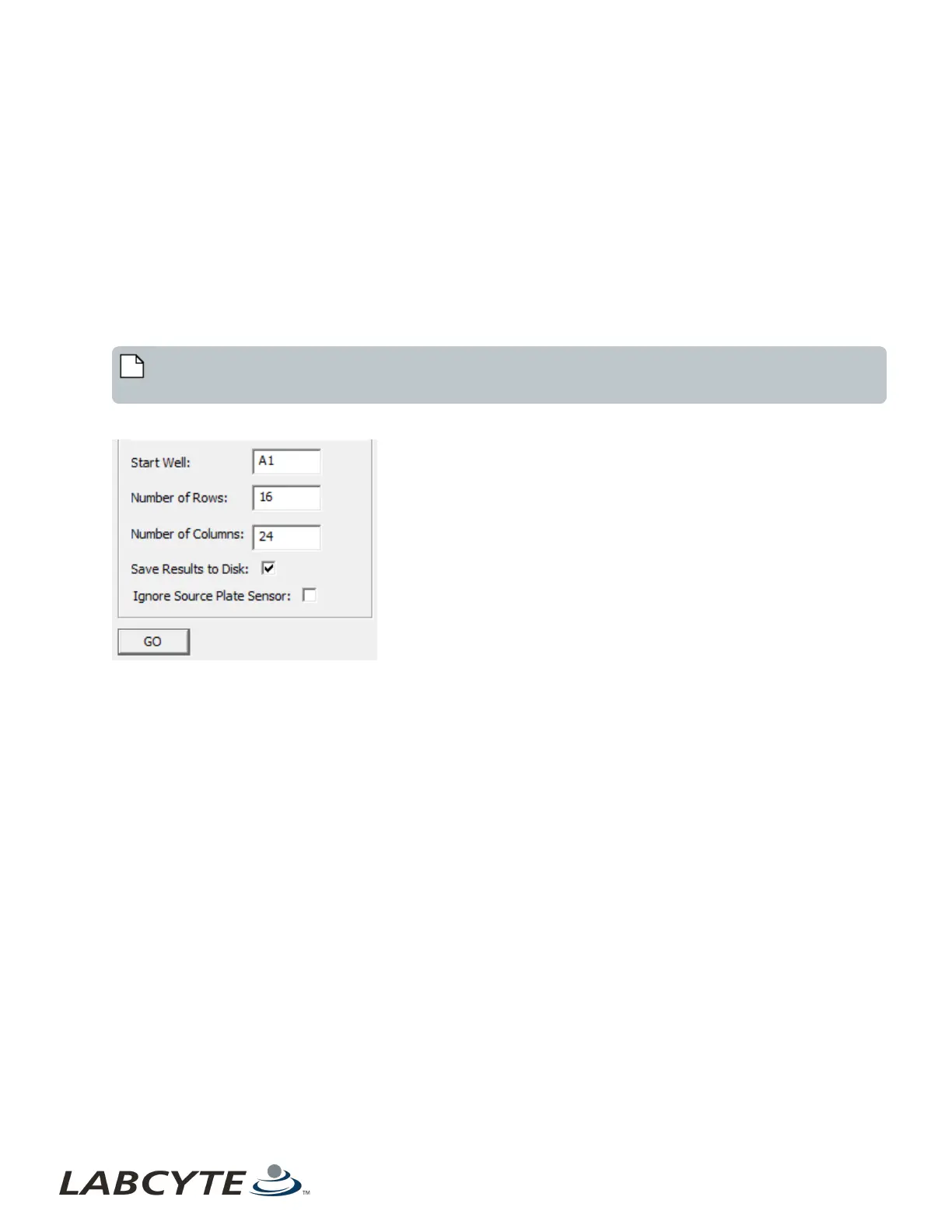
5. Enter the wells to be surveyed (default value is the entire plate). Use one of the following methods:
l Enter the values in the Parameters section.
1. Enter a valid starting well. Example: A1
2. Enter the number of rows to be surveyed. Example: 16
3. Enter the number of columns to be surveyed. Example: 24
l Use the cursor to select the wells in the plate map.
6. Set up the following options in the Parameters section as appropriate:
Save Results to Disk. Select this checkbox to automatically store the results of the acoustic survey in the client PC data
directory (C:\Program Files\Labcyte\Medman\Data).
Ignore Source Plate Sensor. Select this checkbox to resolve problems with fitting a source plate onto the source plate
gripper stage. This option allows the Echo Liquid Handler to use a source plate without detecting its presence with the
source plate sensor.
Note: If you choose to select the Ignore Sou rcePlate Sensor checkbox, a plate load error could result and no
error messages will be triggered.
Figure 84: Diagnostic survey plate map
7. Click the GO button. The acoustic survey will be performed. The acoustic transducer moves in an efficient, non-stop path
beneath each specified well. Acoustic pulses are transmitted up into a well, and the resulting return data is saved for
analysis.
Echo Liquid Handler Software CHAPTER 5 | Software
128



 To Next Page