Change the following properties for the Echo Liquid Handler Software Installation:
1. Navigate to the Echo Liquid Handler software installation folder and locate setup.exe.
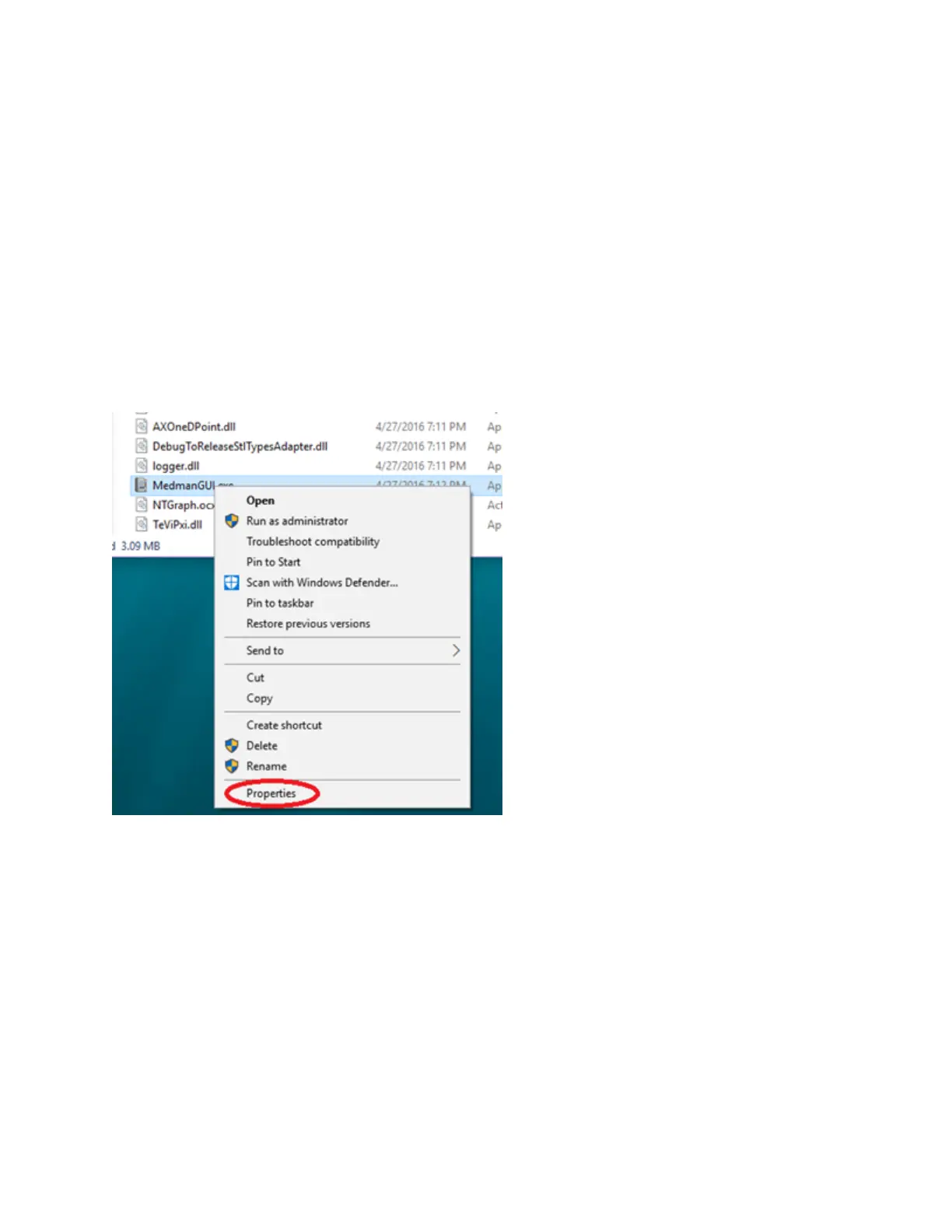
2. Right-click setup.exe and select Properties.
3. Navigate to the Compatibility tab.
4. Click Change settings for all users.
5. Select the Run this program in compatibility mode for: checkbox and select Windows 7 from the drop-down listbox.
6. Click Apply and OK to apply the changes.
7. Click OK to close the Properties dialog box.
8. Execute setup.exe to complete the installation of the Echo Liquid Handler software in Windows 7 Compatibility mode.
9. Restart the PC to complete the installation.
Change the following properties for Echo Liquid Handler Software compatibility:
1. Navigate to the Echo Liquid Handler software installation folder, C:\Program Files (x86)\Labcyte\Bin\Release folder.
2. Right-click on the MedmanGUI.exe and select Properties.
3. Navigate to the Compatibility tab.
71 PN | 001-11665
USER GUIDE | Echo® 525 Liquid Handler User Guide Echo Liquid Handler Software Installation



 To Next Page