33
ENGLISH
INTRODUCTION SETUP GUIDE
CLINICAL
SIMULATION
REMOTE
CONTROL
DETAIL
SPECIFICATIONS
TROUBLE-
SHOOTING
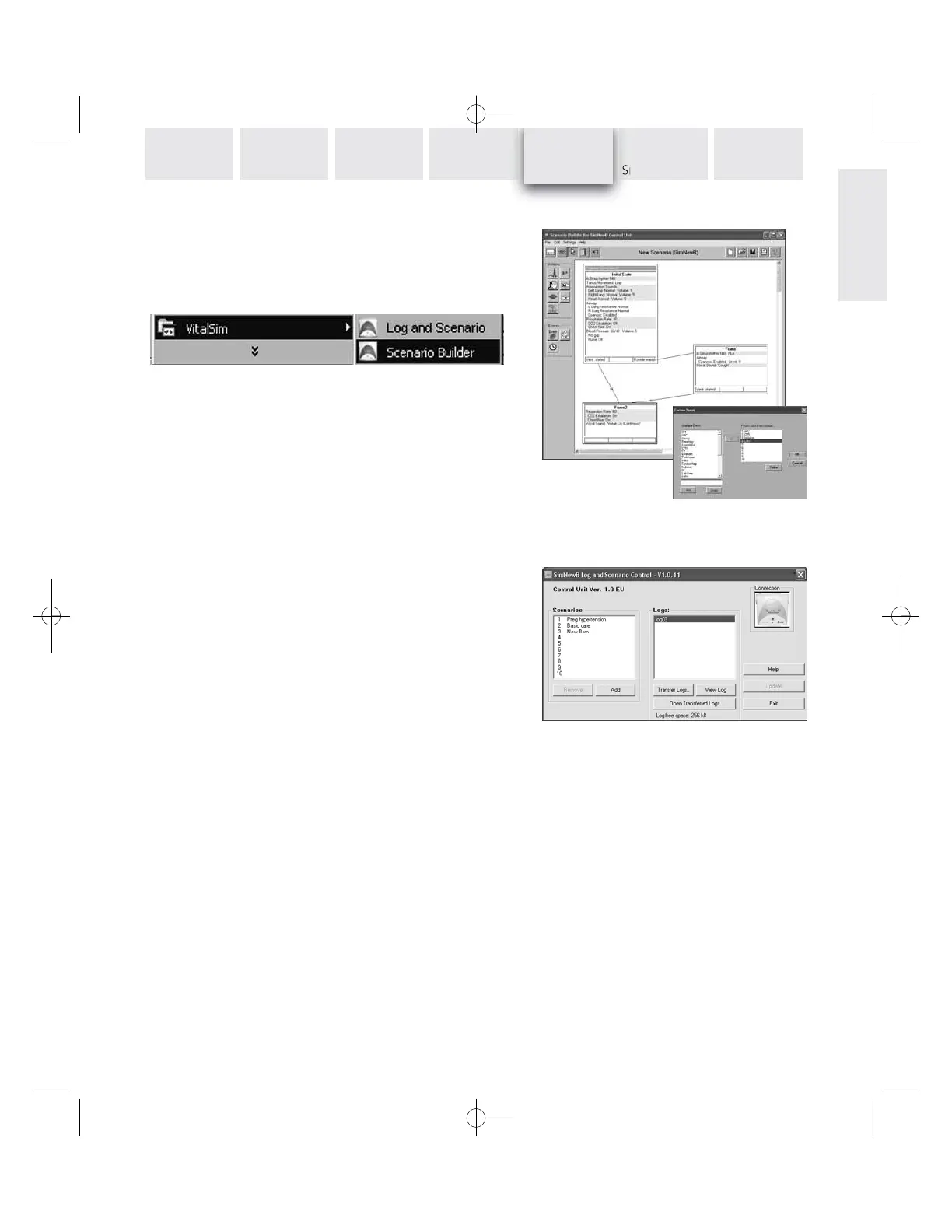
Scenario Builder (Standard SimNewB™)
This is a graphical editing tool that allows you to create, edit
and save scenarios to be downloaded and run on the
SimNewB system.
Start the Scenario builder from the Windows Start key:
For further instructions on how to use the program, refer
to the Help function in the Scenario Builder.
After you have built the scenario, save it and then use
the Log and Scenario Control utility to load the scenario
into the SimNewB system unit.
Log and Scenario Control
This utility is used to load scenarios into the SimNewB system,
and to retrieve logs that have been saved in the SimNewB sys-
tem.
Connect the SimNewB Control Unit to the PC using the USB
cable. Turn the SimNewB system on, and start the Log and
Scenario program from the Start Menu.
Scenarios and logs in the SimNewB system are presented
when the PC has made connection with the SimNewB Control
Unit.
To load a scenario, click Add and select the scenario from
the file menu.
To transfer logs, click Transfer Logs and select the logs to
transfer. Once logs have been transferred they are normally
deleted in the SimNewB Control Unit.
Refer to the Help function for complete description.
PC UTILITIES













 To Next Page