EasyManua.ls Logo

Lanier LD225 - Page 38

Lanier LD225
150 pages
Print Icon
To Next Page IconTo Next Page
To Previous Page IconTo Previous Page
Loading...
Connecting and Setting Up
32
2
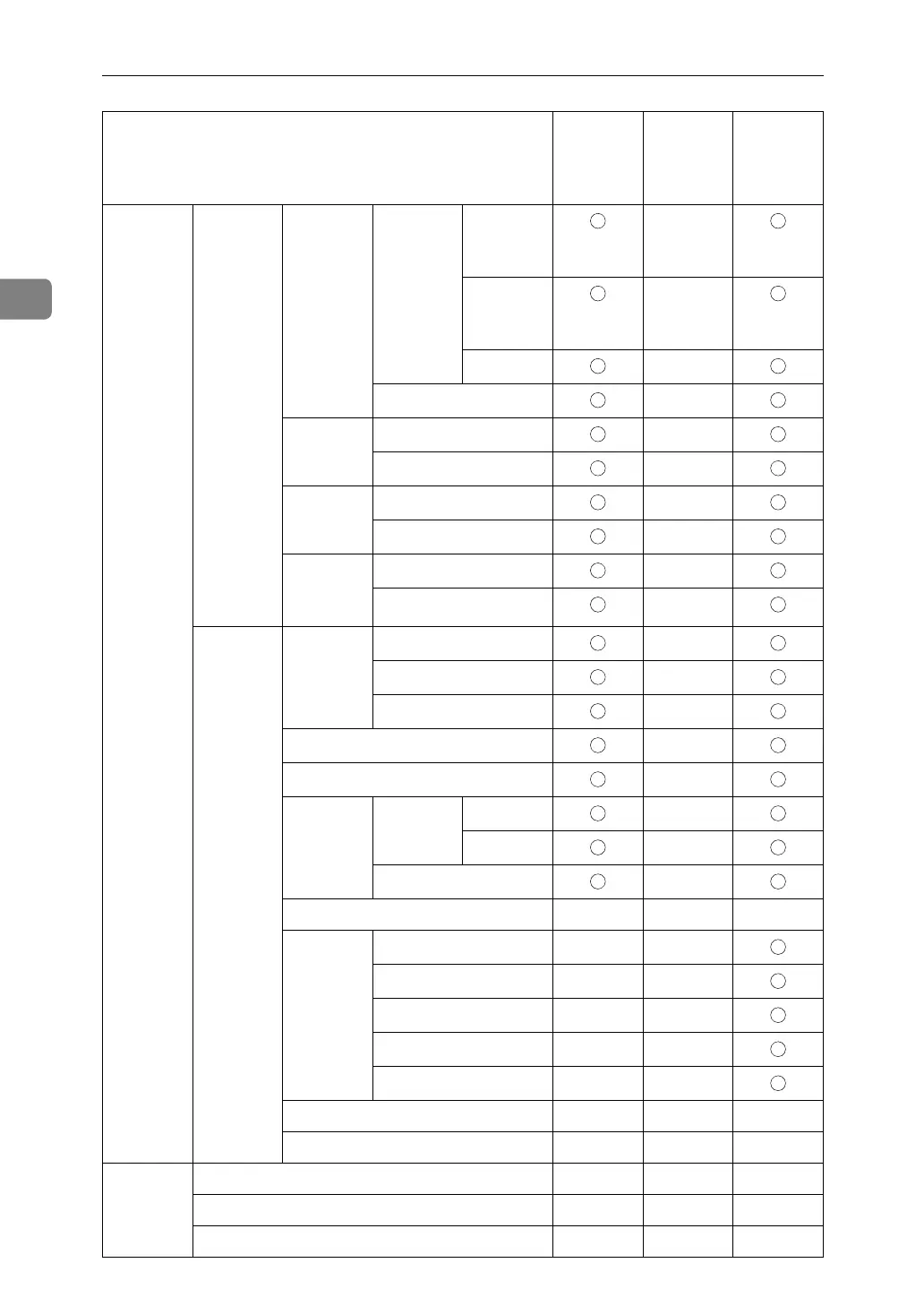
Interface
Settings
IEEE 1394 WINS
Configu-
ration
On Primary
WINS
Server
-
Second-
ary WINS
Server
-
Scope ID -
Off -
IP over
1394
Active -
Inactive -
SCSI print
(SBP-2)
Active -
Inactive -
Bidirec-
tional
SCSI print
Active -
Inactive -
IEEE
802.11b
Commu-
nication
Mode
802.11 Ad hoc -
Ad hoc -
Infrastructure -
SSID Setting -
Channel -
WEP (En-
cryption)
Setting
WEP Active -
Inactive -
Encryption -
Wireless LAN Signal - - -
Transmis-
sion
Speed
Auto - -
11Mbps Fixed - -
5.5Mbps Fixed - -
2Mbps Fixed - -
1Mbps Fixed - -
Return to Defaults - - -
Print List - - -
File
Transfer
Delivery Option - - -
Capture Server IP Address - - -
Fax RX File Transmission - - -
Name on the control panel
Web Image
Monitor
SmartDe-
viceMon-
itor for
Admin
telnet

Table of Contents

Other manuals for Lanier LD225

Related product manuals