Setting Up the Machine on a Network
33
2
*1
You can make the TCP/IP settings if SmartDeviceMonitor for Admin is communi-
cating with the machine using IPX/SPX.
*2
You can make the IPX/SPX settings if SmartDeviceMonitor for Admin is communi-
cating with the machine using TCP/IP.
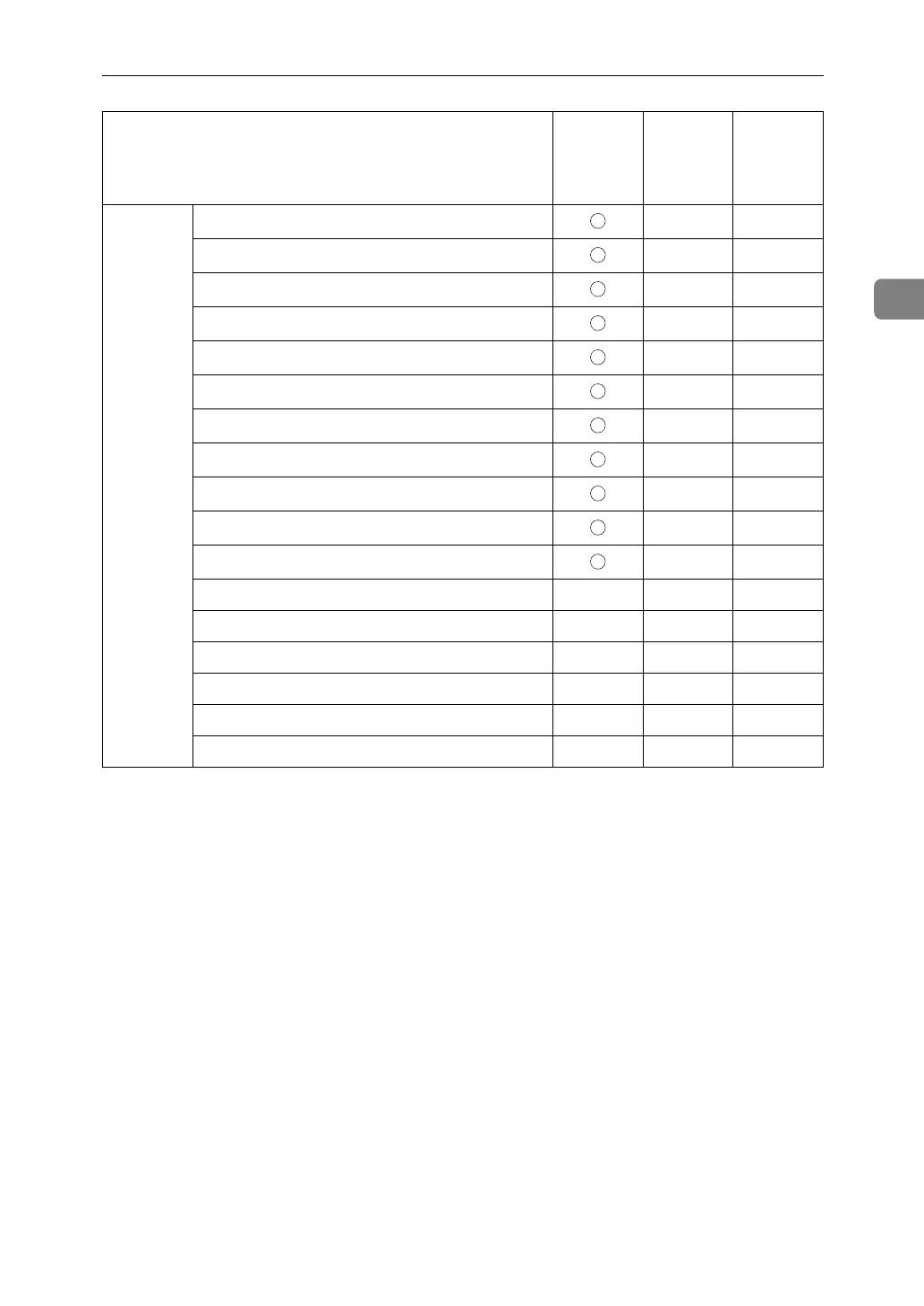
File
Transfer
SMTP Server - -
SMTP Authentication - -
POP before SMTP - -
Reception Protocol - -
POP3 Setting - -
Administrator's E-mail Address - -
E-mail Communication Port - -
E-mail Reception Interval - -
Max. Reception E-mail Size - -
E-mail Storage in Server - -
Default User Name / Password (Send) - -
Program / Change / Delete E-mail Message - - -
Program / Change / Delete Subject - - -
Scanner Recall Interval Time - - -
Number of Scanner Recalls - - -
Fax E-mail Account - - -
Auto Specify Sender Name - - -
Name on the control panel
Web Image
Monitor
SmartDe-
viceMon-
itor for
Admin
telnet



 To Next Page