Connecting and Setting Up
46
2
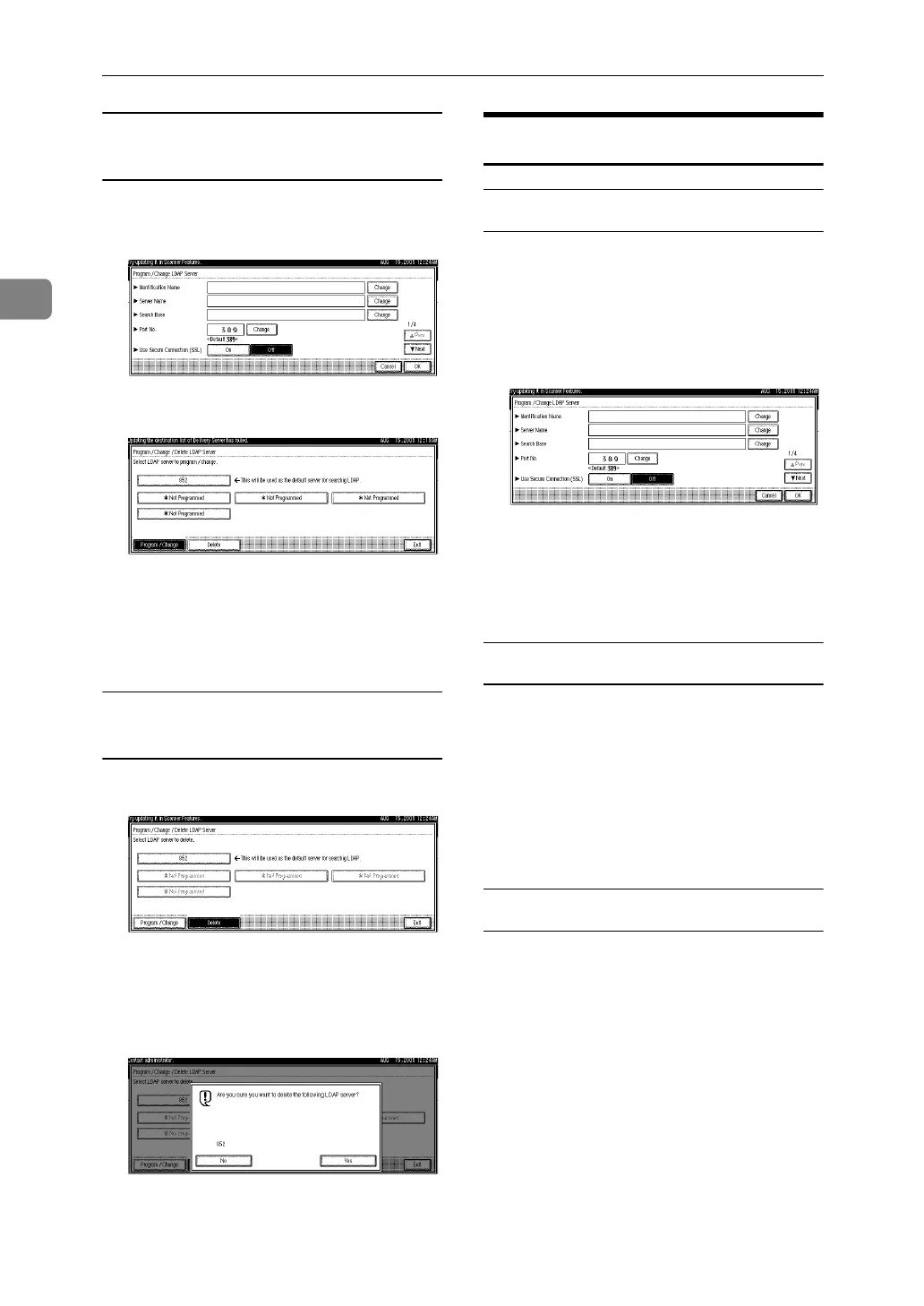
To finish programming/changing the
LDAP Server
A Press [Change] after setting each
item.
B Press [Exit].
C Press [Exit].
D Press the {User Tools/Counter/Inquiry}
key.
To delete the programmed LDAP
server
A Press [Delete].
B Select the LDAP server you want
to delete.
C Press [Yes].
Programming the LDAP Server
To enter an identification name
Register a name for the LDAP server
that will appear on the server selection
screen of the LDAP search operation.
A Press [Change] under [Identification
Name].
B Enter the server’s identification
name.
C Press [OK].
To enter a server name
Register the LDAP server’s host name
or IP address.
A Press [Change] under [Server Name].
B Enter the LDAP server name.
C Press [OK].
To enter the search base
Select a route folder to start the search
from e-mail addresses registered in
the selected folder are search targets.
A Press [Change] under [Search Base].
B Enter the search base.



 To Next Page