HVM200 Reference Manual Connecting HVM200 to G4 LD Utility 2-8
HVM200 to PC via TCP/IP
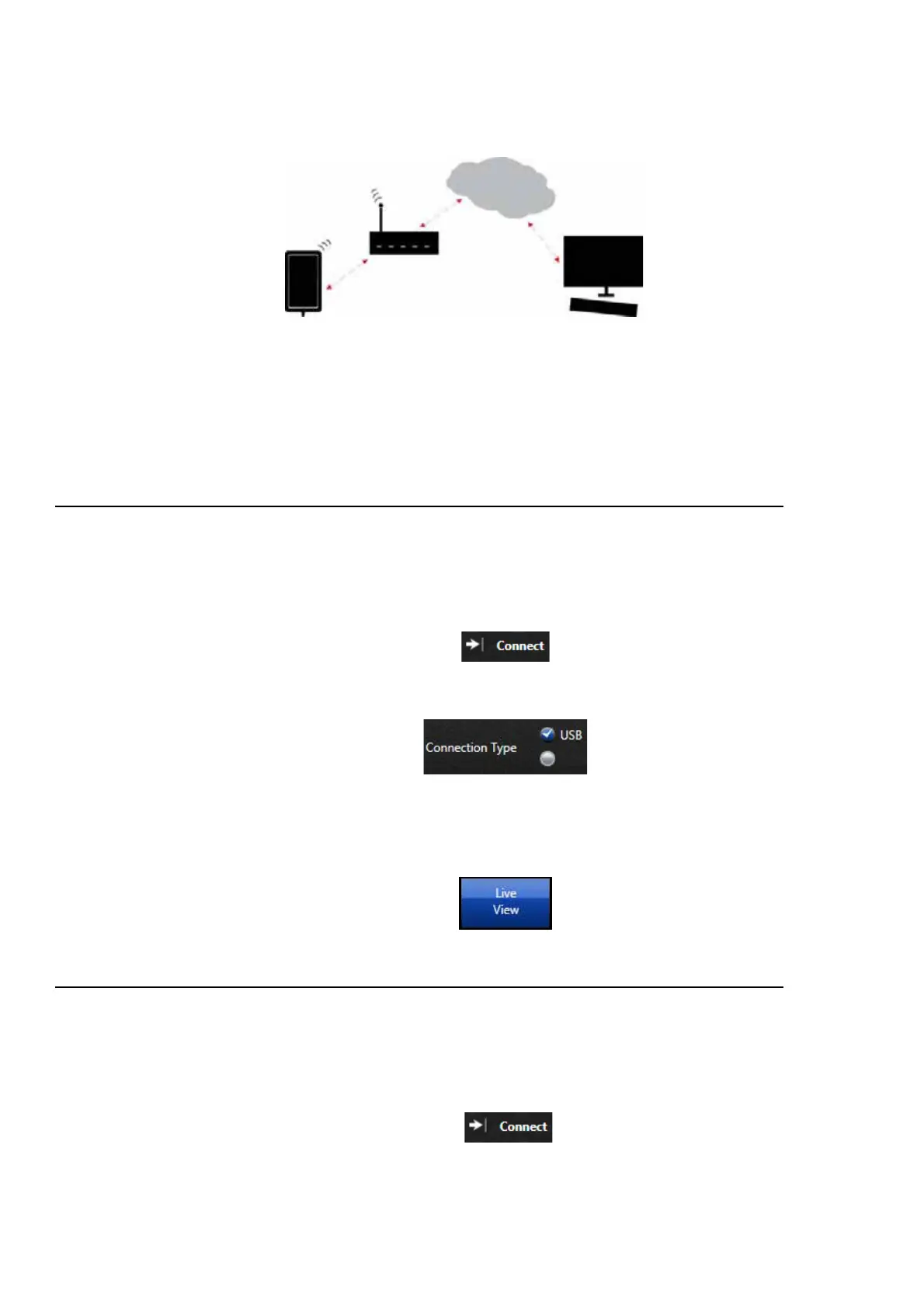
FIGURE 2-14 TCP/IP Connection
With the meter connected to a WiFi network that has Internet access, a PC
can access the meter as long as it is currently connected to the Internet and
you have the IP address to enter into G4 LD Utility, in addition port for-
warding will need to be set up on the gateway or router.
2.6.2 Connecting the HVM200 meter to G4 LD Utility via USB
LEARN MORE For more informa-
tion on working with G4 LD Utility,
refer to the G4 LD Utility Software
Manual.
Step 1 Connect the HVM200 to a PC with the provided USB to
micro-B USB cable. (CBL218).
Step 2 Launch G4 and click Connect.
Step 3 Connect via USB.
Step 4 Click the Live View button. The Live View presents the
same interface as the HVM200 App for working with mea-
surements.
2.6.3 Connecting the HVM200 meter to G4 LD Utility via IP Address
LEARN MORE For more informa-
tion on working with G4, refer to the
G4 LD Utility Software Manual.
Step 1 Using previous instructions, connect meter to a WiFi net-
work with Internet access.
Step 2 Launch G4 and click Connect.



 To Next Page