HVM200 Reference Manual Connecting HVM200 to G4 LD Utility 2-7
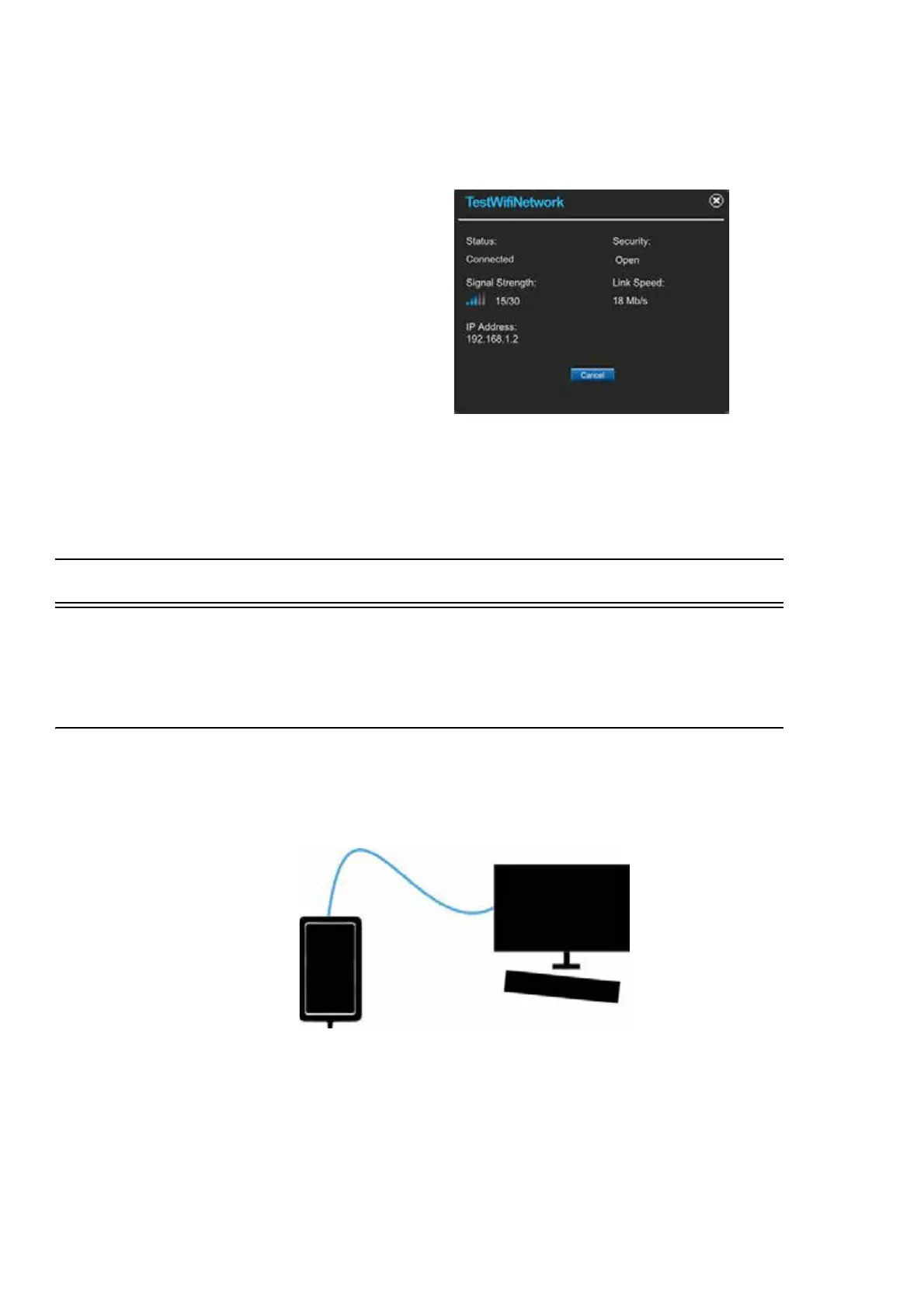
Step 5 Verify your network connection details by clicking the
newly added network from the list.
FIGURE 2-12 Network Connection Details
Step 6 In the connect screen of the HVM Control App, if the
HVM200 and your mobile device are both on the same local
network, you will see it in the list. Select it to connect.
2.6 Connecting HVM200 to G4 LD Utility
TAKE NOTE G4 LD Utility for
HVM software requires a license.
G4 LD Utility for HVM software provides features for setup, measure-
ment, data download, and data viewing.
2.6.1 G4 LD Utility Connection Options
HVM200 to PC via USB Cable
FIGURE 2-13 USB Cable Connection
Using a Micro B USB cable, you can directly connect your PC to meter
and operate it using G4 LD Utility.



 To Next Page