HVM200 Reference Manual Operational Characteristics A-4
A.3 Operational Characteristics
A.3.1 LED Indications
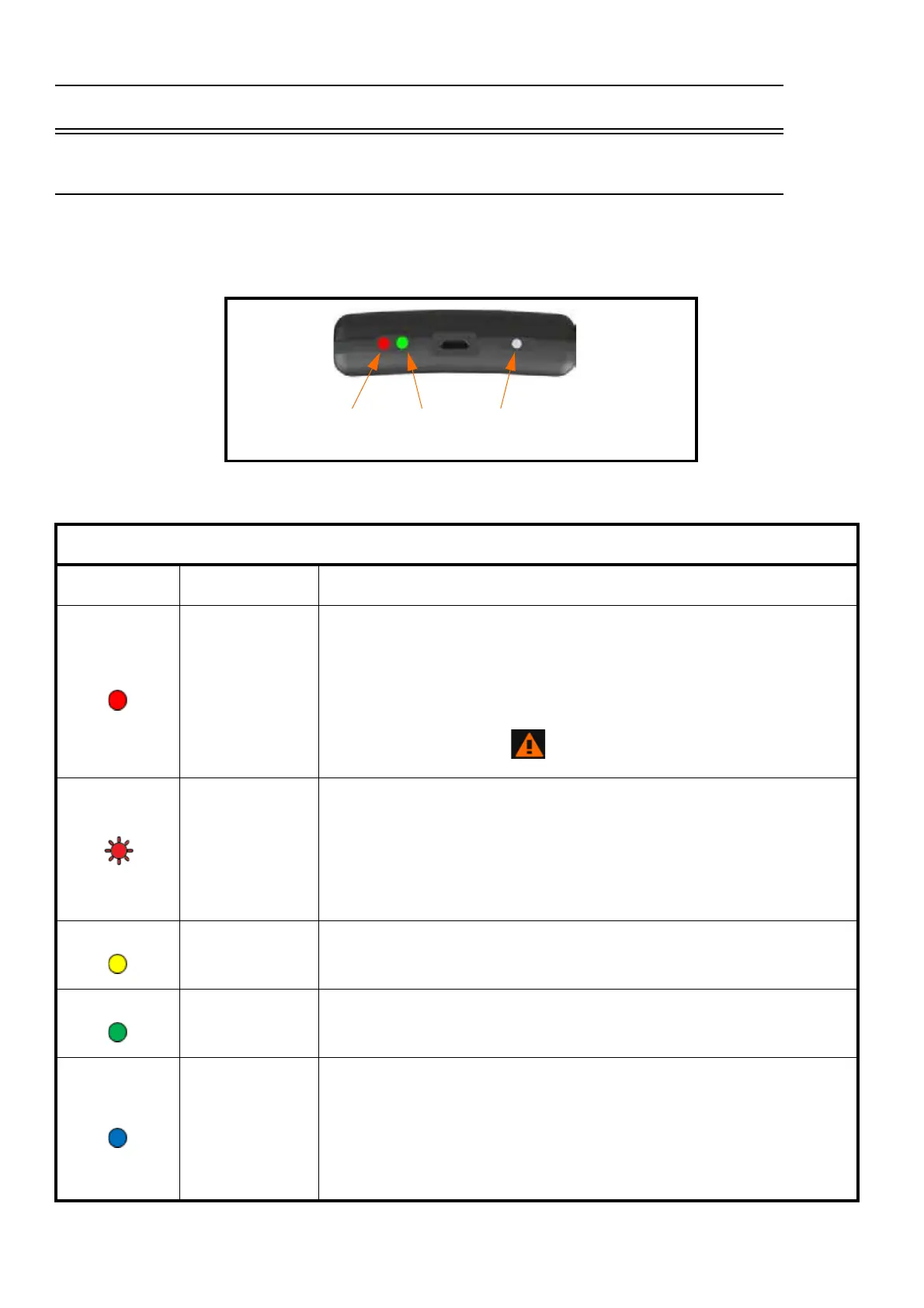
The following tables shows HVM200 LED indications, states, and additional information.
Power LED
Indication State Additional Information
System
Warning
Click the Warning Icon on the G4 LD Utility Live View. The “About
This Meter” information shows if there is a sensor/cable connection
error, battery connection error, or SD memory card error. To avoid
system errors, do not hot swap SD memory cards.
(Blinking)
Battery Low
Charge the HVM200 via USB from your computer or from the
PSA035 power supply. If not charged, the HVM200 will shut down
when the remaining battery life approaches the threshold for safe shut
down. If the HVM200 shuts down mid-measurement, the file is trun-
cated and G4 LD Utility may not be able to display summary informa-
tion for the file.
Battery
Charging
Allow the battery to charge fully to maximize overall battery life.
Battery
Charged
N/A
Power On
Power On is displayed both on start up and shut down. When turning
on the HVM200, press the power button for about one second until
the blue LED is displayed. When shutting down, press the power but-
ton until the blue LED is displayed and the Status LED is dark.
Power On is also displayed when the HVM200 is running on battery
power (not simultaneously charging through USB connection).
Power LED
Status LED
Power Button
G4 Live View
Warning Icon



 To Next Page