HVM200 Reference Manual Turning Off/On WiFi Signal 4-3
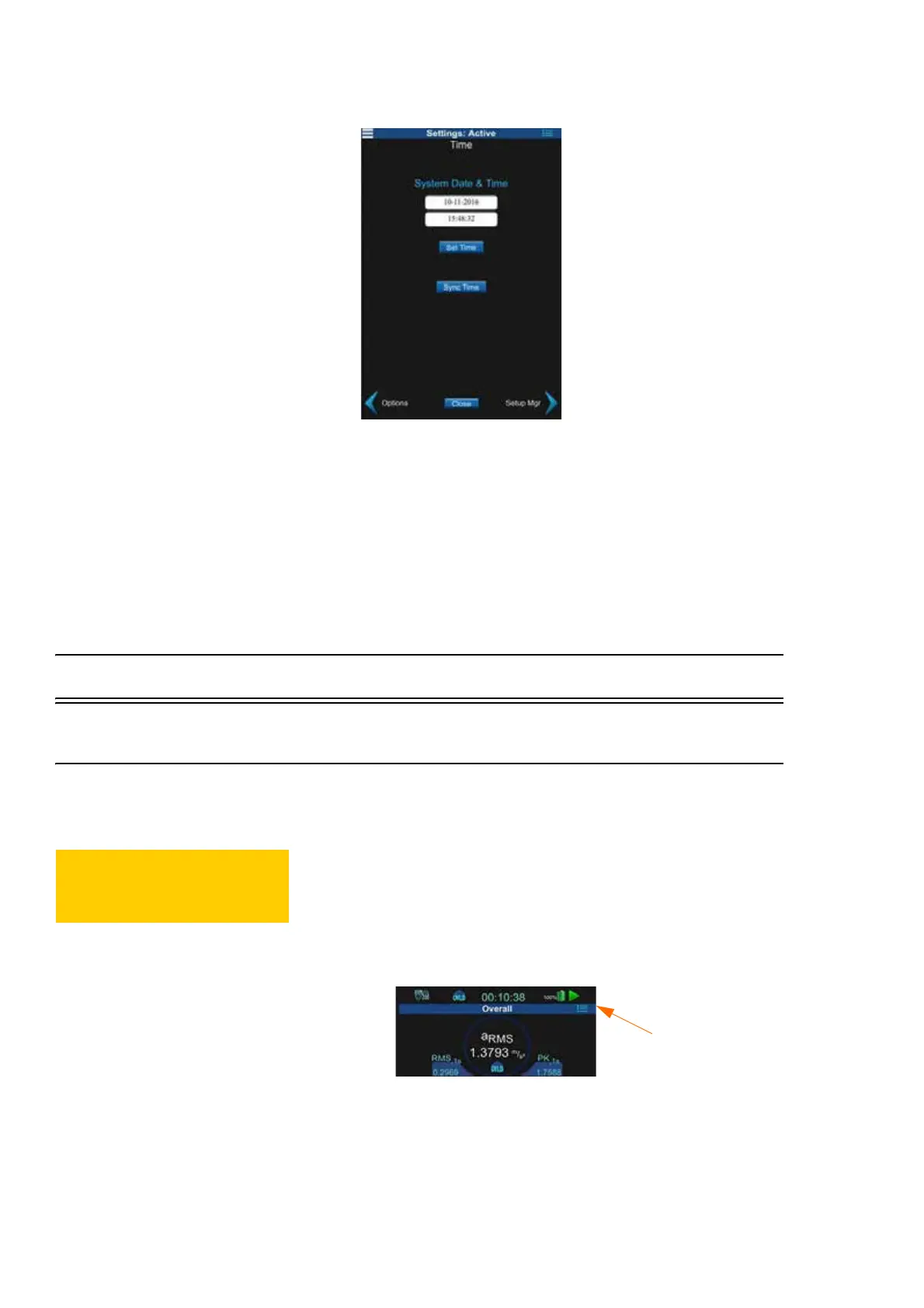
FIGURE 4-4 HVM200 Time Tab
Step 5 There are two options:
• Set Time: Tap the inside of the time and data fields, edit by
hand what time you want the meter to be, then select Set
Time.
• Sync Time: Select this button to sync the time on your
meter with the time on your mobile device.
4.3 Turning Off/On WiFi Signal
4.3.1 Turn Off WiFi Signal
To disable WiFi signal completely from the HVM200 meter, follow these
steps:
CAUTION You will only be able to
turn the WiFi signal back on from G4
LD Utility with meter connected via
USB.
Step 1 Launch the HVM200 Control app or the G4 LD Utility Live
Stream view.
Step 2 Click the menu icon.
FIGURE 4-5 HVM200 App
Step 3 On the HVM200 Menu, select Setup WiFi.



 To Next Page