HVM200 Reference Manual Making the Measurement 3-7
Verify Installed Options
If you have purchased Octave Band Analysis or Raw Data options, click
the Options tab and verify that they are displayed and selected in the list.
You can deselect this feature temporarily if given measurement does not
require the data.
3.3 Making the Measurement
To make the vibration measurement:
1. Position the HVM200 meter and accelerometer.
2. Start the measurement.
3. Observe data.
4. Stop and annotate the measurement.
The following sections describe these steps in more detail.
3.3.1 Position for Hand/Arm Vibration
For Hand/Arm vibration measurement, follow these steps:
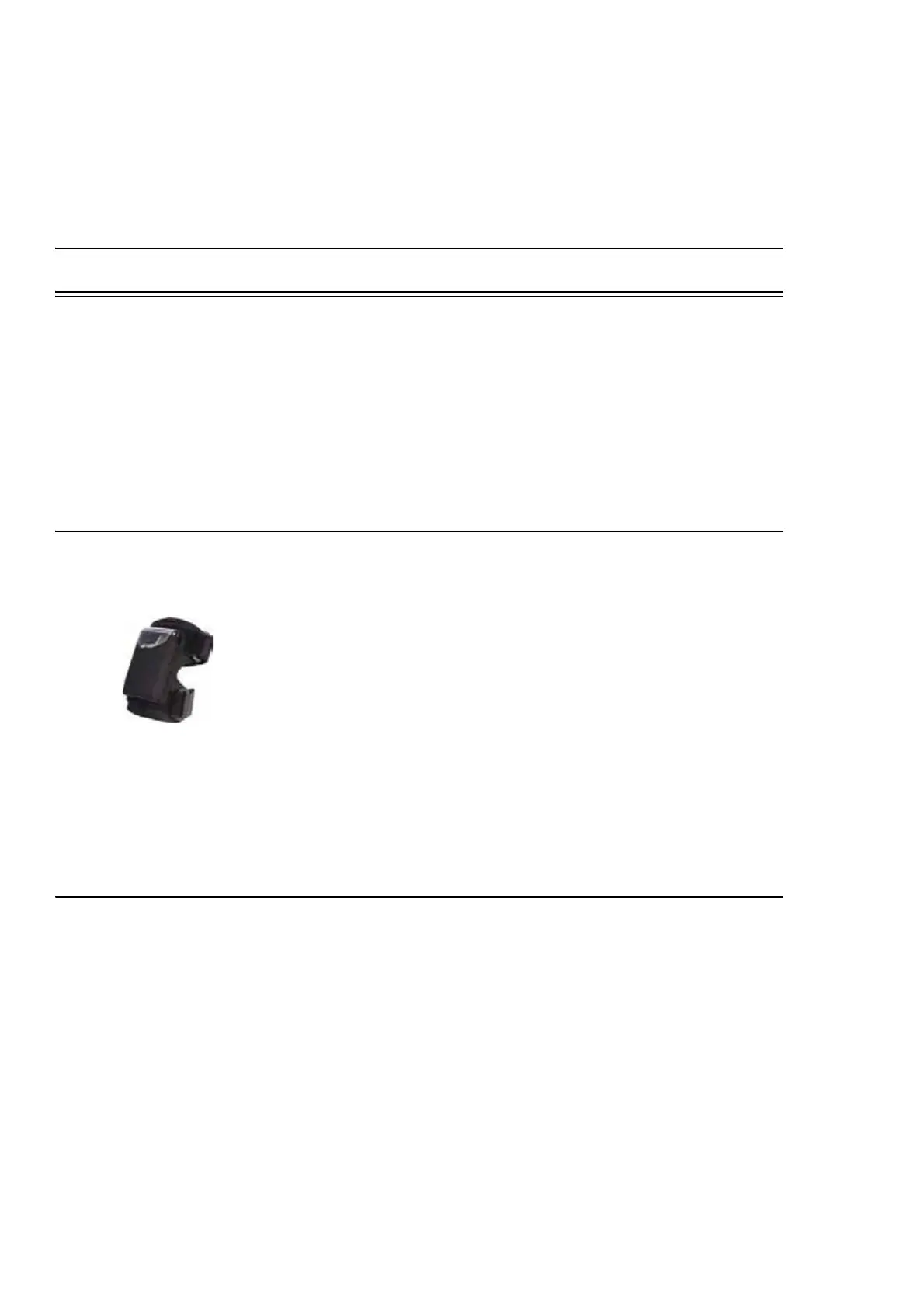
Step 1 Attach the Larson Davis CCS048 Arm Band on the person
being monitored. The end with the transparent cover should
be the farthest from the hand.
Step 2 Insert the HVM200 into the arm band so that the accelerom-
eter connector is nearest the hand.
Step 3 Connect the accelerometer to the HVM200.
TAKE NOTE Refer to see “Mechani-
cal” on page B-1.
Step 4 Attach the accelerometer to an appropriate adapter and place
it so that the vibration that is coupled to the hand can best be
measured.
3.3.2 Position for Whole Body Vibration with Seat Adapter
For whole body vibration measurements using the Larson Davis SEN027
Seat Adapter, follow these steps:
TAKE NOTE The Seat Adapter is
sold with the SEN027 accelerometer
already housed within the adapter
and with the cable already connected
to the accelerometer.
Step 1 Place the seat adapter in the location where the person being
monitored will sit.
Step 2 Connect CBL217-01 to the HVM200 on one end and the
seat adapter cable on the other end.
Step 3 Set the HVM200 meter in a secure location, where it will not
fall from its position.



 To Next Page