HVM200 Reference Manual Downloading Data 3-12
TAKE NOTE An annotation note
may be made before the measure-
ment is started and will be added as
an overall measurement note; only
one such note may be applied to the
measurement, but it can be overwrit-
ten if needed.
FIGURE 3-19 Annotate Measurement
3.4 Downloading Data
Once you have clicked the Stop button and the measurement is com-
pleted, you can download and work with data by using any of the follow-
ing methods:
TAKE NOTE Refer to the G4 LD
Utility Manual for information on
downloading and viewing data with
G4.
• Download and view .hvm2 files in G4. The HVM functionality in
G4 requires a license.
LEARN MORE For tips on working
with raw data, see see “Working with
RAW Data Files” on page 3-12
• Download raw data files. You also need to specify storing data
with this option on the Setup tab during measurement setup. See
"Selecting a Setup File Using Your Mobile Device" for more
information.
• Use a third-party tool. Because .hvm2 files are stored in JavaS-
cript Object Notation (JSON) format, you can copy the data file
from the removable SD memory card and work with it in any tool
compatible with the format.
3.4.1 Working with RAW Data Files
RAW data files can be created with each measurement, if the Setup File
has checked “Store Raw Data” on the Setup Tab, see “Figure 3-6 Opera-
tion Settings” on page 3-5.
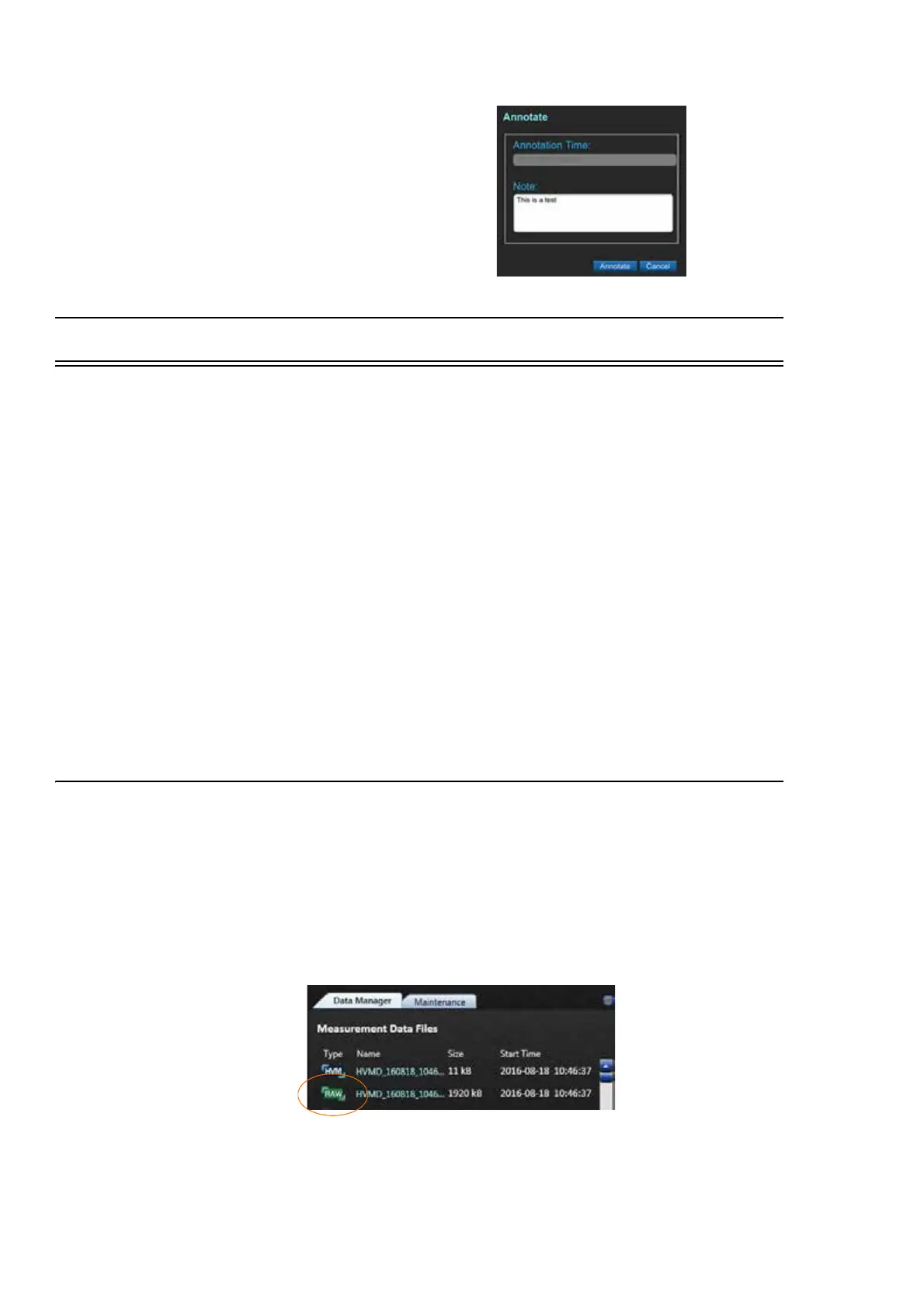
While HVM200 is connected to G4, a RAW file can be downloaded from
the Data Manager tab. The file will always be larger than an HVM file.
FIGURE 3-20 Raw Data File



 To Next Page