HVM200 Reference Manual Connecting the Accelerometer 2-10
FIGURE 2-16 Sensor Tab
Step 6 Click Sensor List.
TAKE NOTE Sensor information,
including model, serial number, and
sensitivity specifications are usually
listed on the calibration certificate
that comes with an accelerometer.
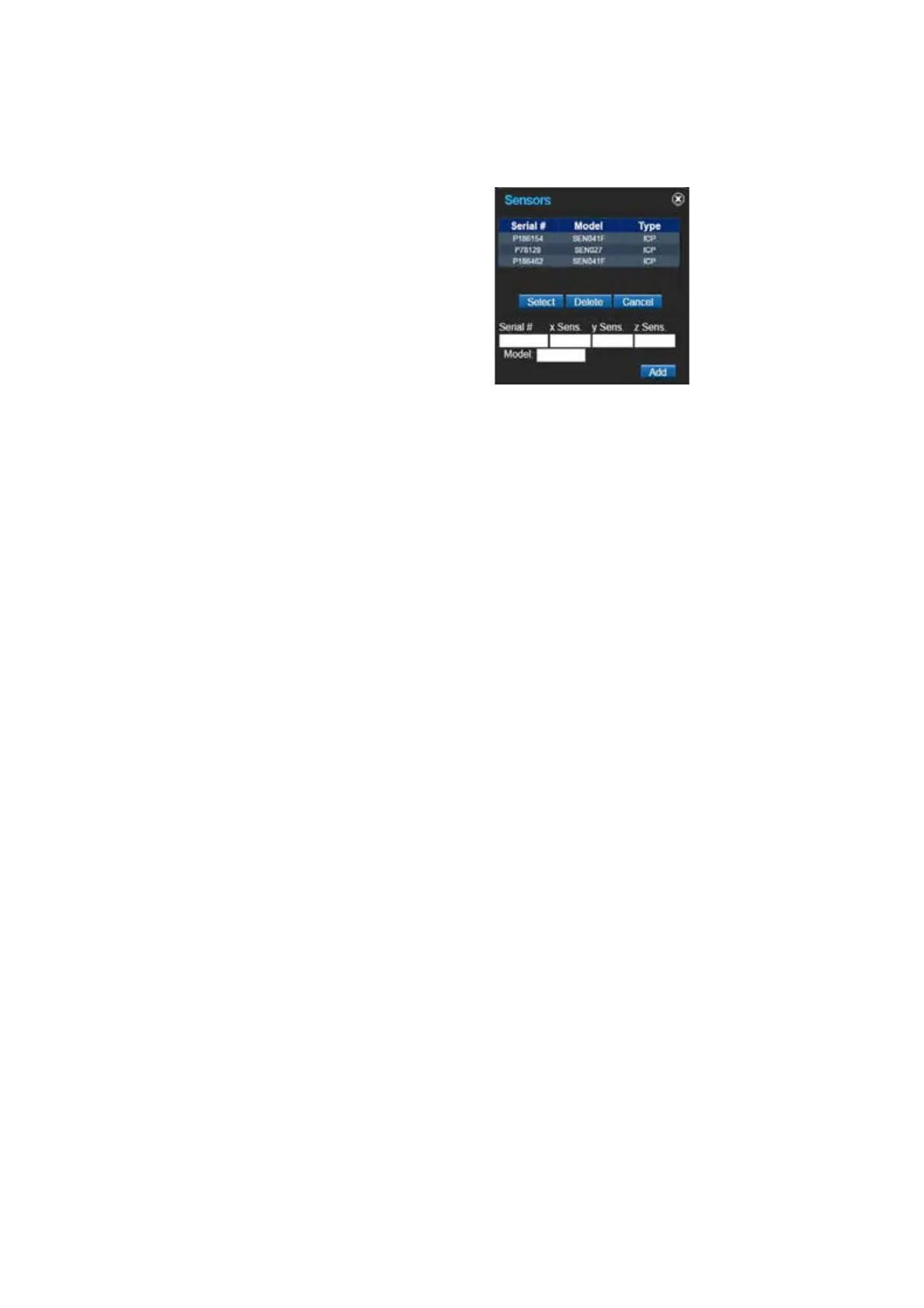
FIGURE 2-17 Sensor List Identification and Sensitivity
Step 7 In the Sensor List, type the model, serial number of your
accelerometer, and the sensitivity for the x, y, and z axes and
then click Add.
Step 8 Select the accelerometer when it appears in the list and click
Select. The sensitivity values will automatically appear on
the Sensor tab. Click Save. Use the Sensor List to quickly
access and select stored sensors for future measurements.



 To Next Page