LAUNCH
X-431 PRO5 User Manual
32
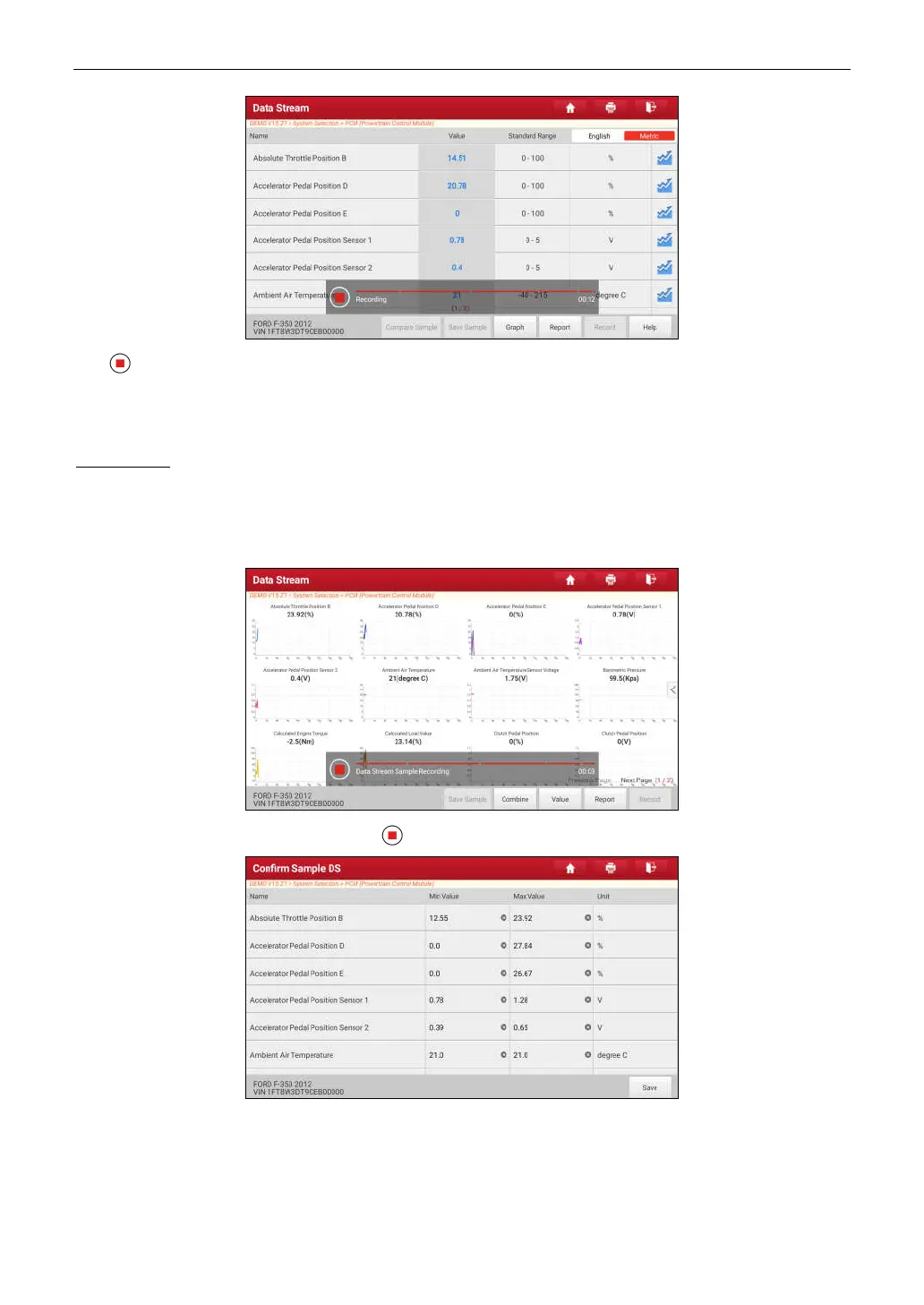
Tap to end recording and save it. The saved file follows the naming rule: It begins with vehicle type, and then
the product S/N and ends with record starting time (To differentiate between files, please configure the accurate
system time).
All diagnostic records can be replayed from
User Info -> My Report -> Recorded Data
.
Save Sample
: This item enables you to customize the standard range of live data stream items and save it as DS
sample file. Each time you run the data stream items, you can call out the corresponding sample data to overwrite
the current standard range.
Tap it to start recording the sample data (*Note: Only data stream items with measurement units will be recorded), the
following screen will appear:
Once the recording process is complete, tap to stop it and navigate to the data revision screen.
Tap the Min./Max. value to change it. After modifying all desired items, tap
Save
to save it as a sample DS file. All
DS files are stored in
User Info -> Data Stream Sample
.
E. Actuation Test
This option is used to access vehicle-specific subsystem and component tests. Available test vary by vehicle



 To Next Page