Version 3.3 89
Tide Operator’s Manual
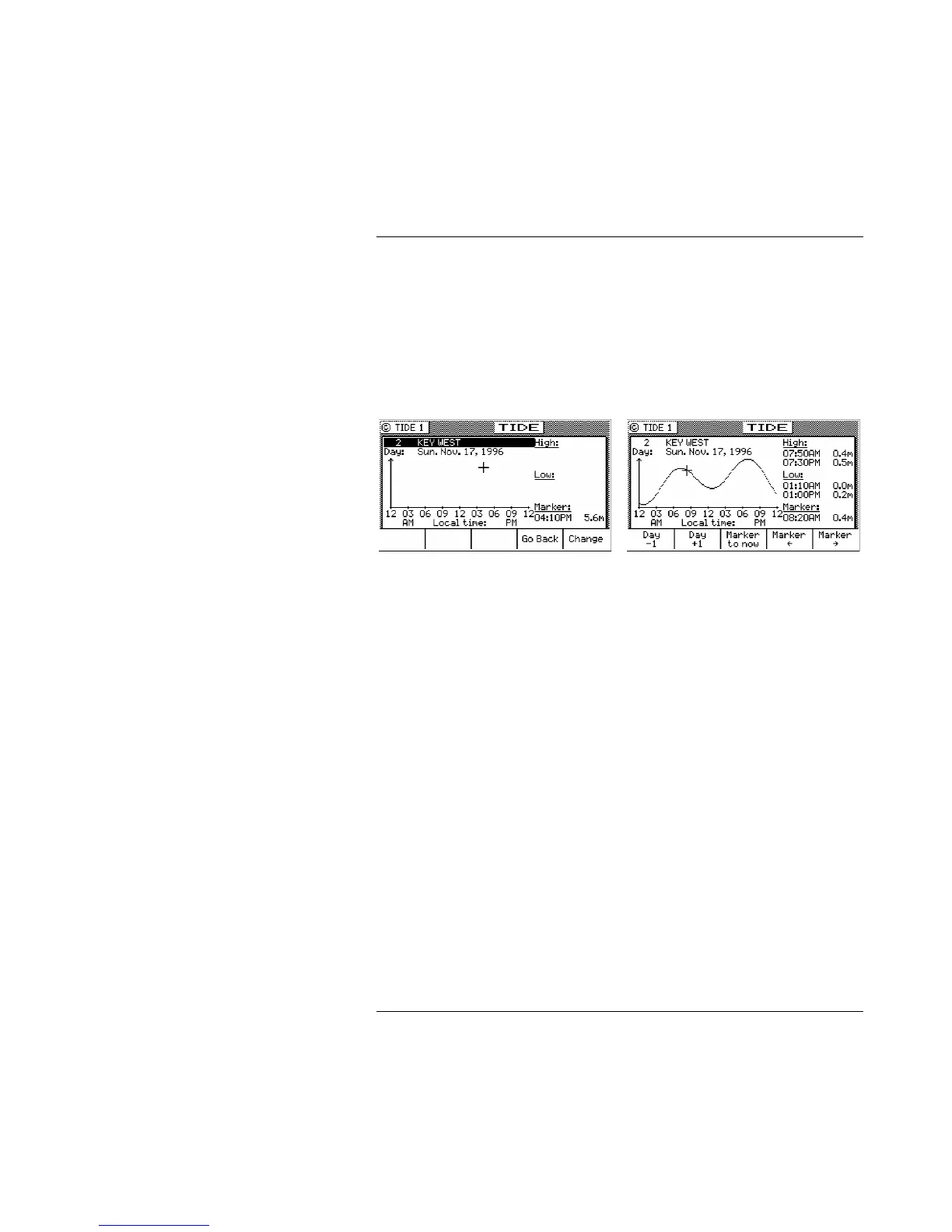
present time, the marker changes to a + sign. The marker will
remain at the manually positioned mark until you either press one
of the manual marker control softkeys, or until you press the
Marker to Now softkey - which returns the marker to automatic
mode (indicated by the clock marker).
The tide measurement units can be displayed in meters, feet, or
fathoms. Tide units are controlled along with depth units in the
CFG1 Depth screen.
To select another port’s tide table, press the E function key, and use
the Change softkey to scroll down the list or the Go Back softkey to
scroll up the list. You can also use the left and right cursor keys to
scroll through the tide tables available in TIDE2.
While in the edit mode, you can also move the cursor down to the
date and manually change it to any date you are interested in.
Once you have found the table you need, press the E key again, and
the table is loaded.
TIDE2 - Tide Table Port List
TIDE2 is where you store the constants for the port tide tables you
are interested in. You can store up to 100 tide tables. The constants
you need can be derived from Part III of:



 To Next Page