Version 3.3 61
Waypoint Operator’s Manual
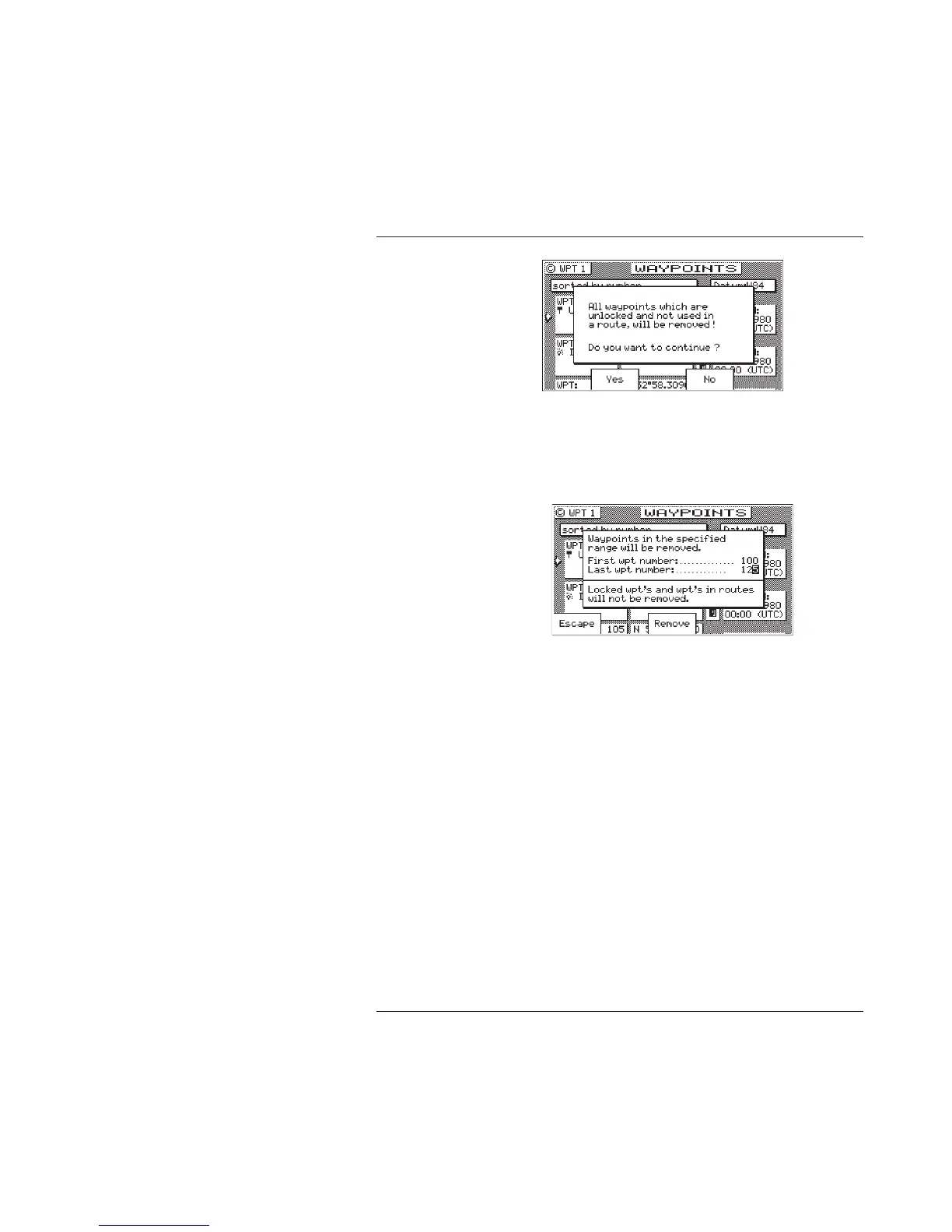
5c If you select Remove Range, the receiver will delete all
unlocked waypoints that are not stored in a route between a
range of waypoint numbers that you enter. You will be
prompted to comfirm the deletion:
6. Press the E key.
Moving waypoints
This feature allows you to create a range of waypoints within a
particular area. For example, you could put all of the waypoints for
fishing spots near Catalina Island in the range of 500 to 530, all the
waypoints for Cabo San Lucas in the range of 575 to 600, etc.
To move a wayoint or range of waypoints:
1. Select the WPT key until the WPT1 screen is displayed.
2. Press the E key.
3. Press the More softkey.
4. Press the Move softkey.



 To Next Page