132 Version 3.3
Operator’s Manual Configuration
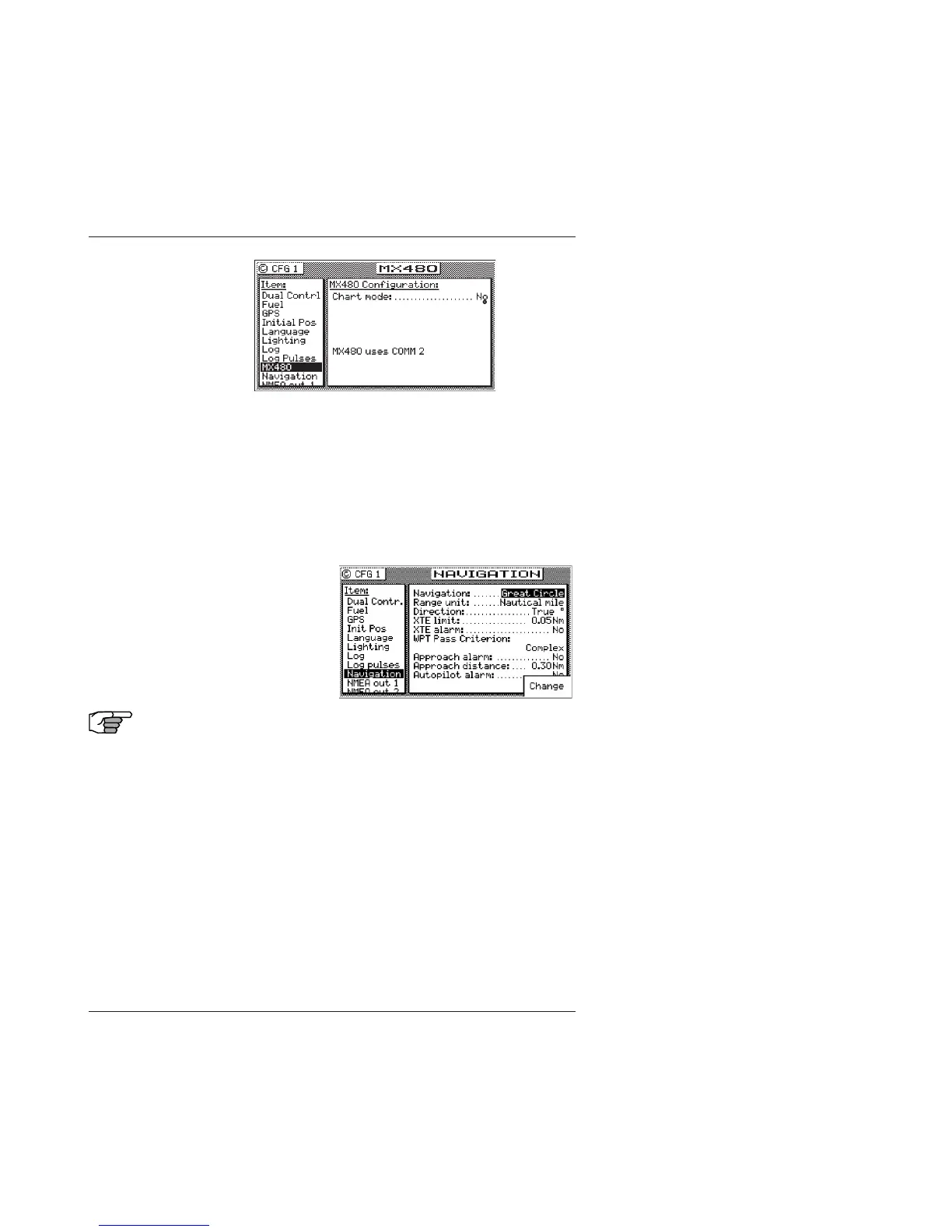
Navigation - Navigation Method & Waypoint Pass Criterion
Control
This screen sets: the navigation mode Rhumb Line or Great Circle,
Cross-track Error limits and alarms, Waypoint Pass Criterion and
Waypoint Approach alarms. These settings have a direct affect on
your route calculation, and how data is displayed in the NAV and
PLOT screens.
Navigation:
Sets navigation to Rhumb Line (default) or Great Circle mode.
Note: When the navigation mode is set to Great
Circle, the PLOT screens will not show your
course or cross-track error lines.
Range Unit:
Sets the unit of measure for all range calculations. You can
choose between Nautical Mile (default), Nautical Mile &
Meters, Nautical Mile & Feet, Statute Mile, Statute Mile &
Meters, Statute Mile & Feet, Kilometers, and Kilometers &
Meters.



 To Next Page