Version 3.3 117
Configuration Operator’s Manual
pressed the E key.
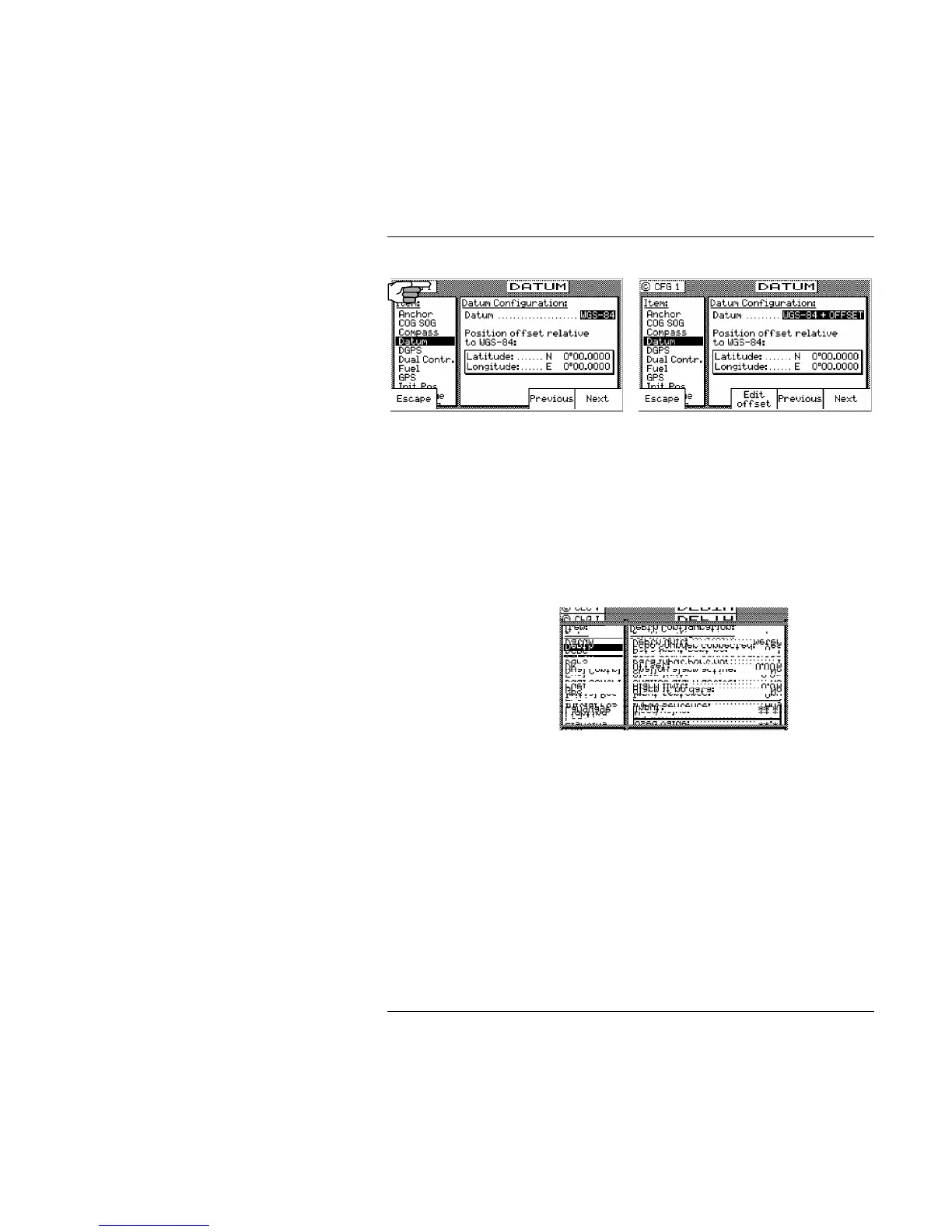
Depth - NMEA Input Control
This screen allows you to configure the depth unit (meters, feet, or
fathoms) for the NAV 4 and TIDE 1 screens .
Depth information is accepted by the receiver from the NMEA
0183 data sentence DBK, DBS, DBT, or DPT on any input NMEA
port. Refer to the Installation & Service Manual for hardware
interface instructions.
Press the E softkey and move the cursor to the Echo Sounder
Connected line. Use the Change softkey to activate the input data
options described below:
Depth Unit - select between Meters, Feet, and Fathoms. This data
field sets the depth unit displayed in NAV 4 and TIDE 1,
regardless of whether a sensor is connected or not.
Echo Sounder Connected - causes the receiver to look for one of the
appropriate NMEA 0183 data sentences when set to Yes.
Data Input Port No. - Select the appropriate NMEA 0183 port that
the sensor is connected to (1, 2, 3, or 4).
Offset - Input the appropriate offset for the sensor, based on the



 To Next Page