48 Version 3.3
Operator’s Manual Route
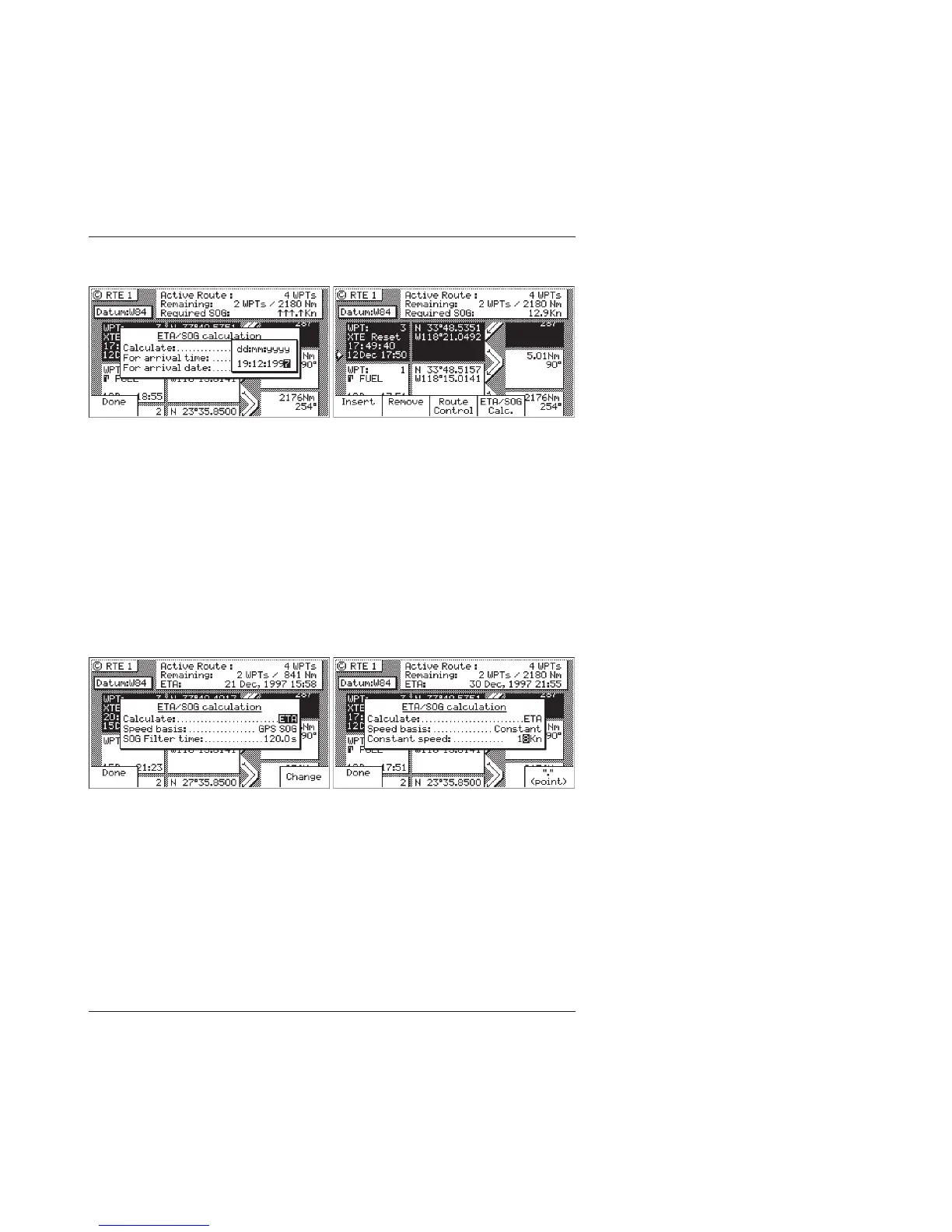
SOG Based on Arrival Date & Time:
5. Enter the arrival time and date. Be sure to enter the date as
day, month, year, as indicated on the screen.
6. Press the Done softkey.
In this mode, the actual SOG is compared to the required SOG to
meet the specified arrival date and time. The result is given in a
percentage (%) value next to the displayed SOG in the NAV
screens. If the percentage is below 100, you will arrive late. If the
percentage is above 100, you will arrive early.
ETA Based on Speed:
5. Select a Speed Basis of either GPS SOG, which uses a long filter
time (in seconds) that you define; or Constant, which uses a
speed you intend to maintain (you define the speed).
6. Press the Done softkey.



 To Next Page