Version 3.3 59
Waypoint Operator’s Manual
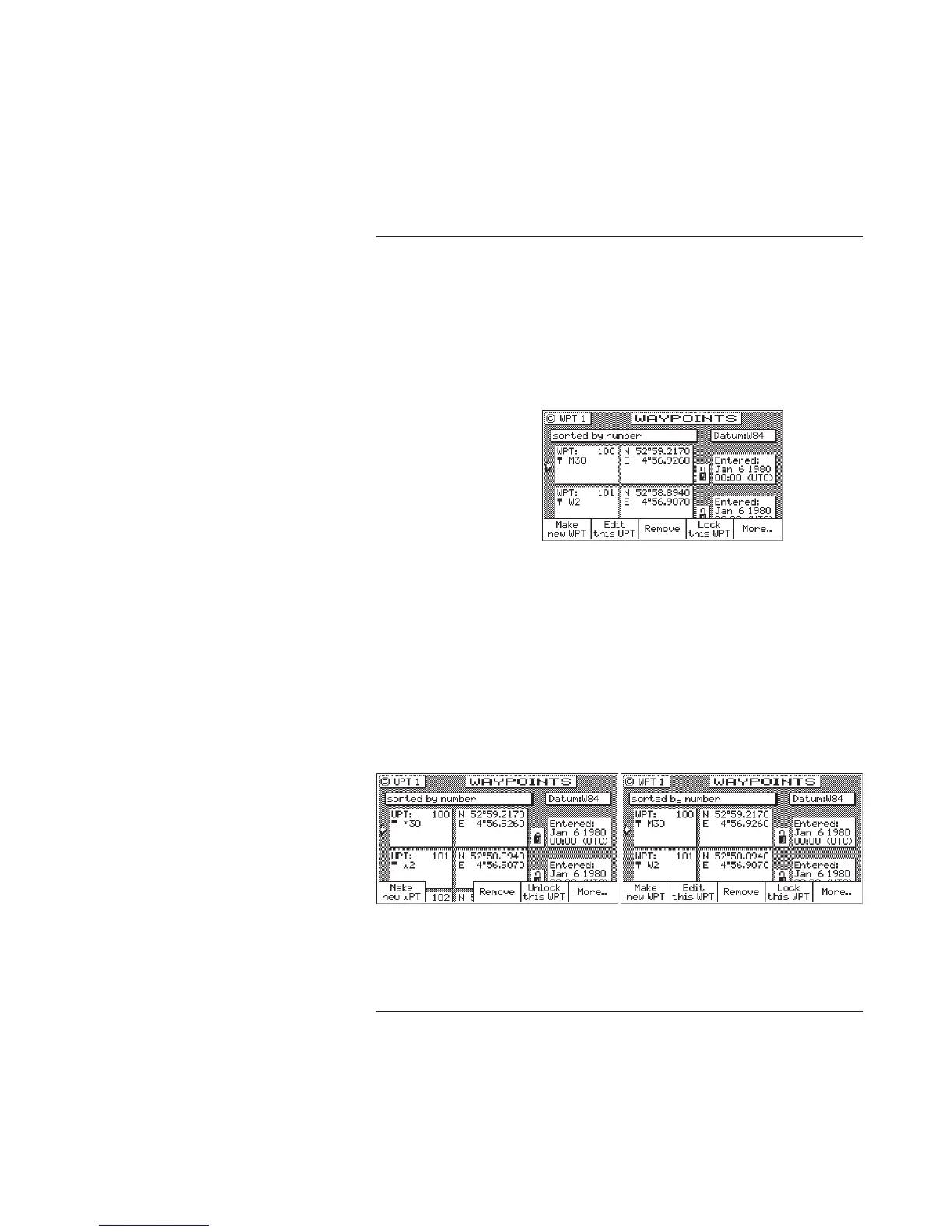
To lock all waypoints
1. Select the WPT key until the WPT1 screen is displayed.
2. Move the cursor to the desired waypoint.
3. Press the E key.
4. Press the More softkey.
5. Press the More softkey again.
6. Press the Lock all WPT softkey.
7. Press the E key.
To unlock all waypoints
1. Select the WPT key until the WPT1 screen is displayed.
2. Move the cursor to the desired waypoint.
3. Press the E key.
4. Press the More softkey.
5. Press the More softkey again.
6. Press the Unlock all WPT softkey.
7. Press the E key.



 To Next Page